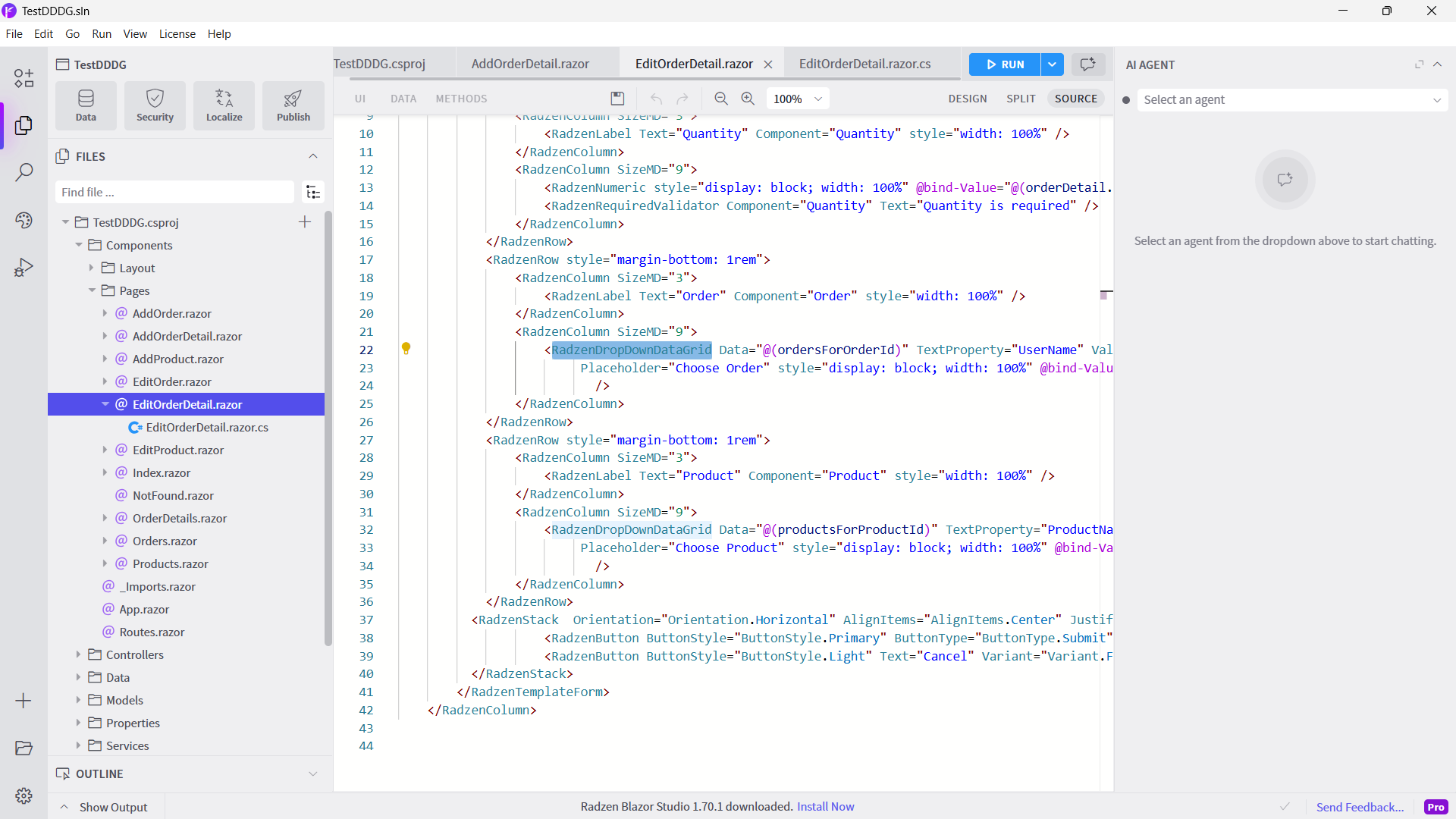
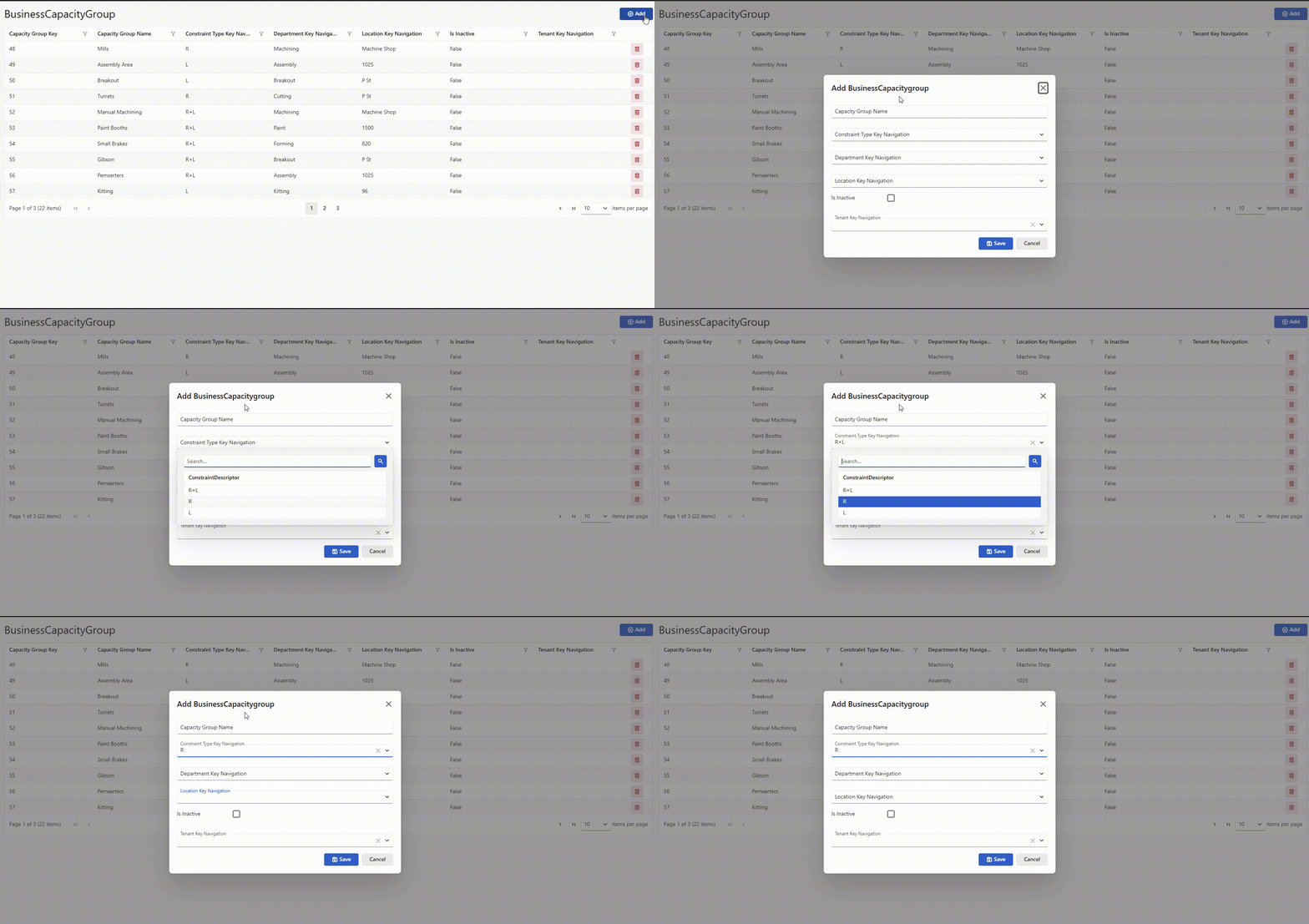
Until recently, in add/edit forms with dropdown datagrids, it used to be that I could tab to a dropdown datagrid, press enter, use the arrow keys to navigate to a value, press enter again to select it and close the dropdown, then tab to the next dropdown.
Now, after pressing enter to select a value, pressing tab skips over the next dropdown datagrid component and focuses on the one after that.
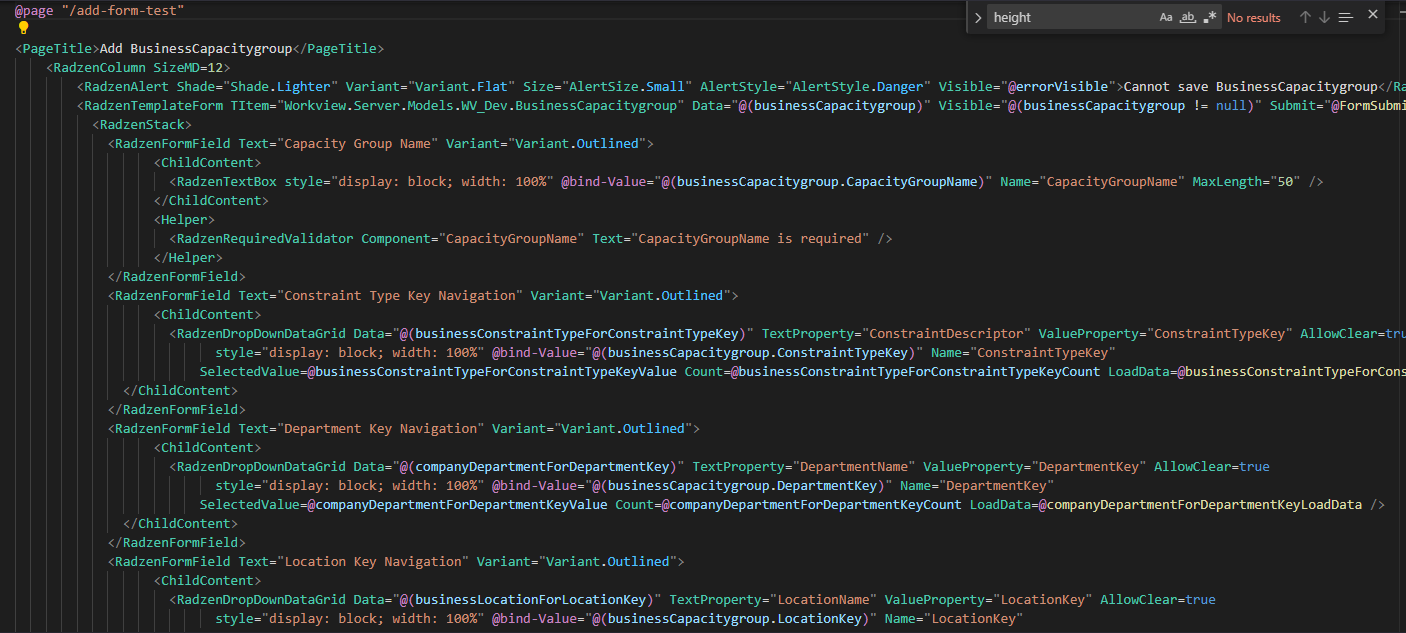
The behavior changed sometime in the last month or so and I have been updating RBS regularly. I just generated a new add/edit crud form with FK values to make sure it didn’t have anything to do with how I edited my forms, but this is the default behavior.
Please let me know if you need any more information. Thanks!
Ok sorry for the late response but I did some more troubleshooting and found the issue occurs when I am using the outlined form field variant, but when it is set to none, everything works as expected. Previously, the outlined form field variant worked just fine.
The behavior I just described, including working on default variant and not outlined form field variant, was on the latest version (v1.70.0). This is when I generate a new crud page, not on a form I modified.
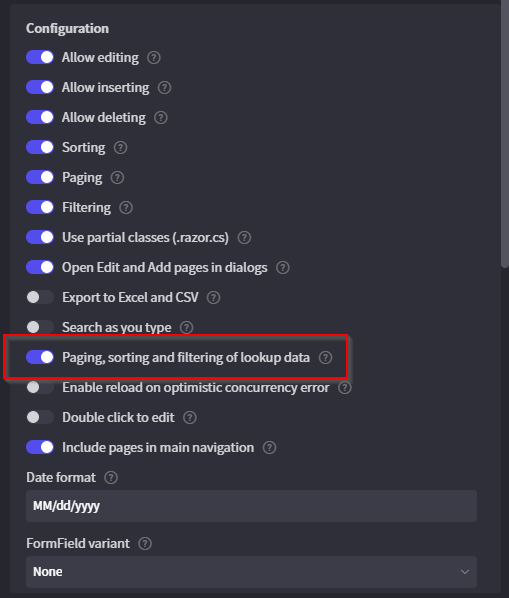
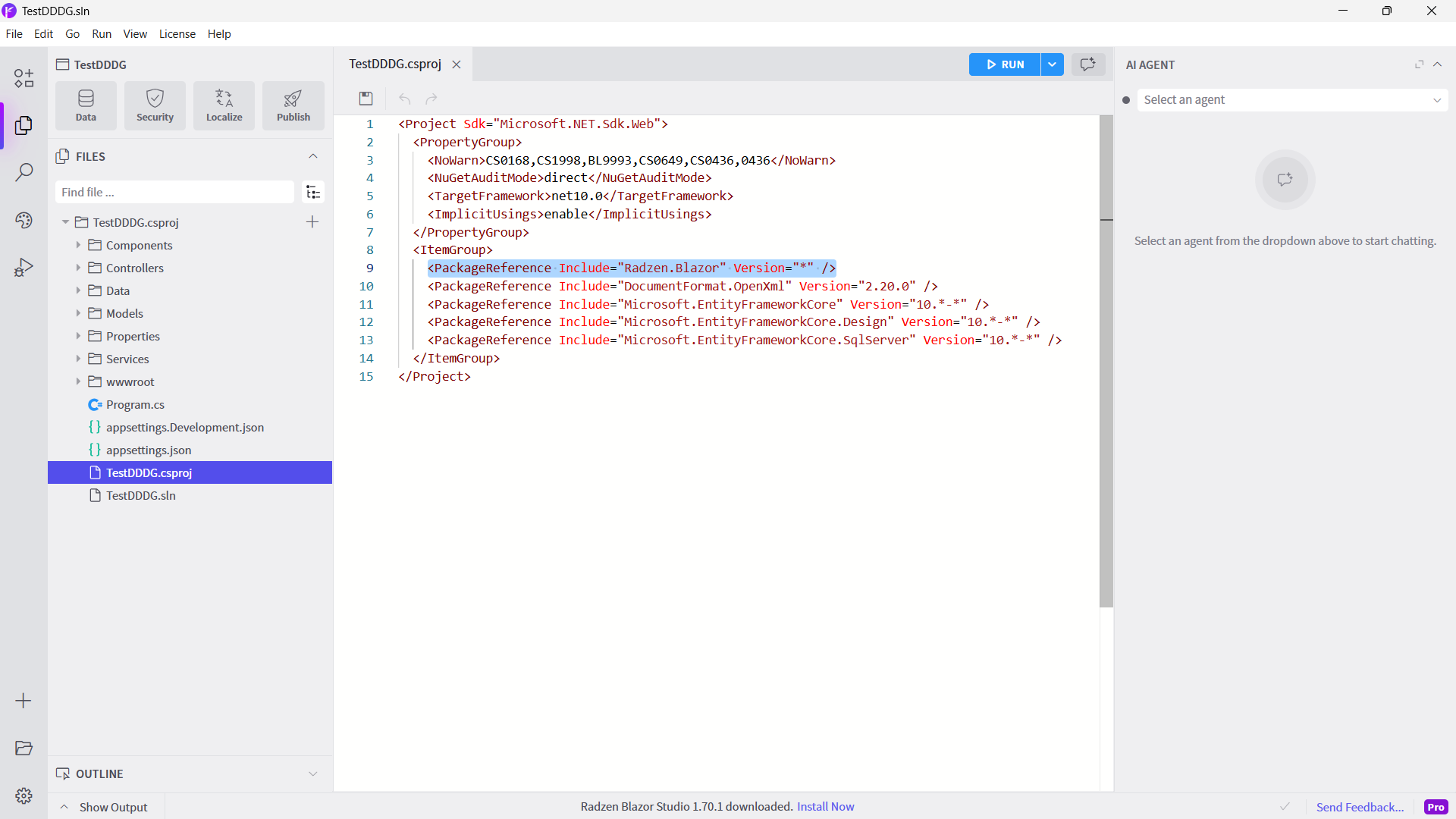
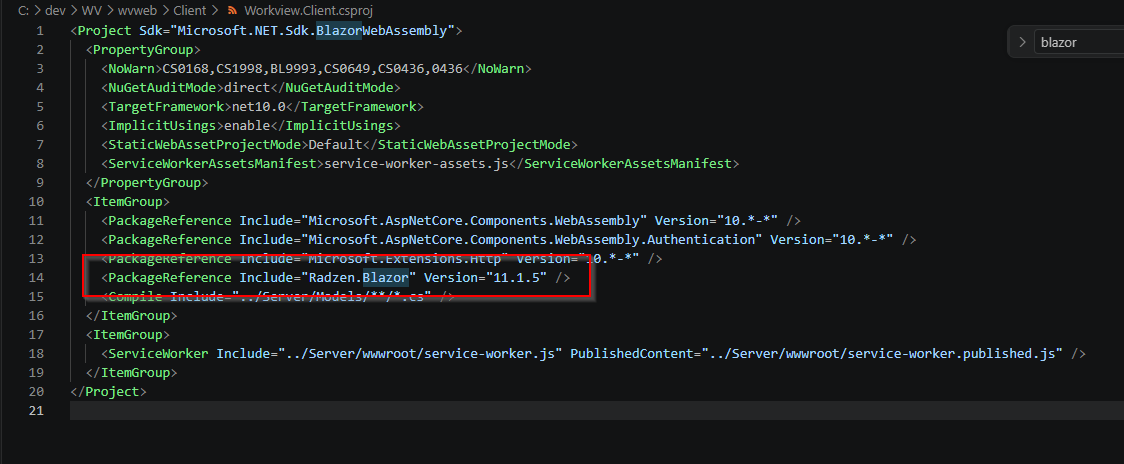
Ok I have updated to latest version of Radzen Blazor but this was still an issue so I did some more testing. It seems to be entirely driven by enabling ‘Paging, sorting, and filter of lookup data’ on the dropdown datagrids. CRUD pages work fine if this is disabled, but tab will often skip a component if it is enabled.