I am trying to get my sidebar on the right side of the screen and its working perfect on a desktop screen.
Now to the problem. If you are using a screen with less then 769px the right sidebar does not work.
This is easy to test with your demo Here
If you set your screen width to 768 or less via Developer tools in the web browser then the right sidebar wont work.
I use Right and Left Sidebar as an refrence here
To make this test we can easily modify some of the css from this:
Style: "d-flex justify-content-end align-items-center"
To this:
class="d-flex justify-content-start align-items-center"
Then the sidebar toogle button appears so we can test the toogle and when we press it nothing happends.
Hello @yordanov. Thank you!. I have a question. What does mean that it issue stems from legacy? Is there a kind of new product version that I do not know.
It means the issue comes from older css styles. This 'legacy code' does not work well with the latest RadzenLayout components. It's not about a new product version — it's just that the bug is from older styles, and we’re fixing it in the next update.

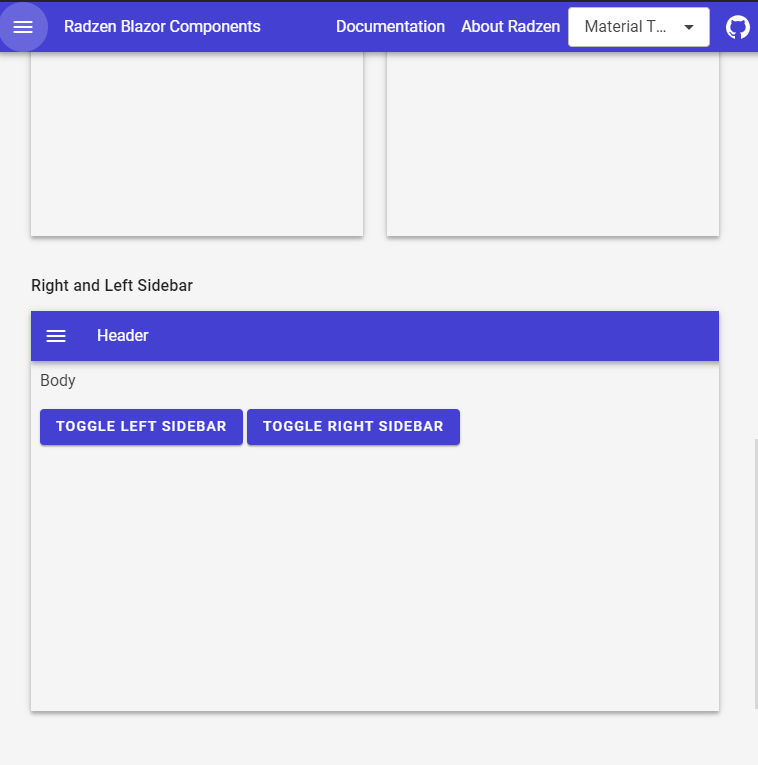
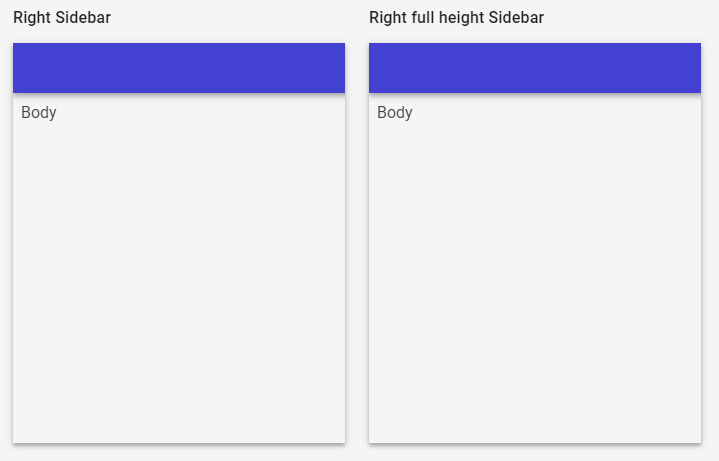
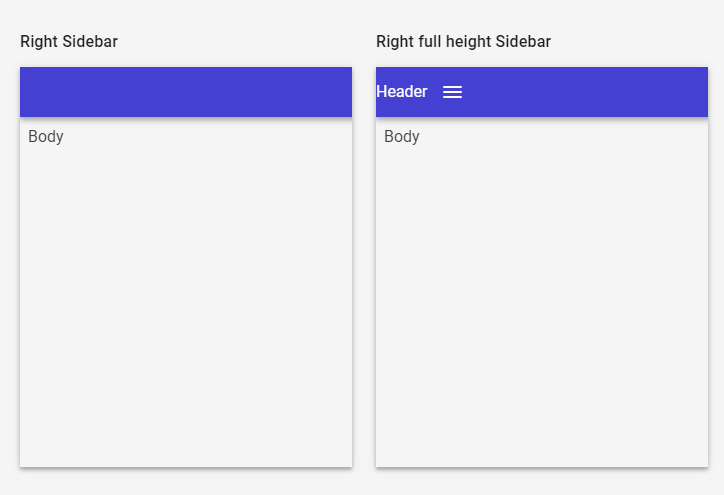
 . I was following the radzen example page: