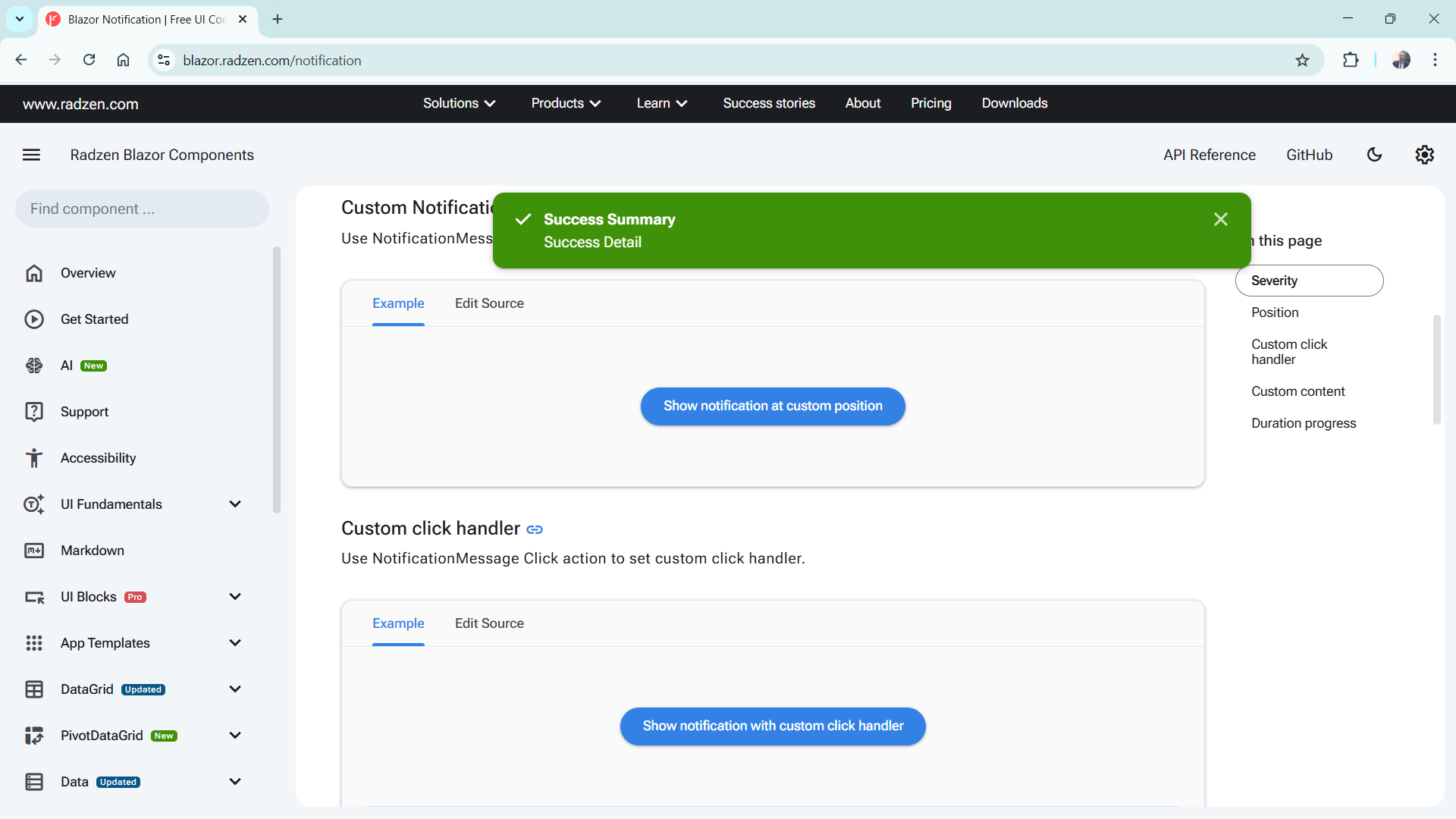
With the Radzen Notification component, I've tried changing the size with
Style = "width: 200%"
But that only seems to move the position.
Is there a way to make these notifications larger? Some of our users miss them because they are so small.
With the Radzen Notification component, I've tried changing the size with
Style = "width: 200%"
But that only seems to move the position.
Is there a way to make these notifications larger? Some of our users miss them because they are so small.
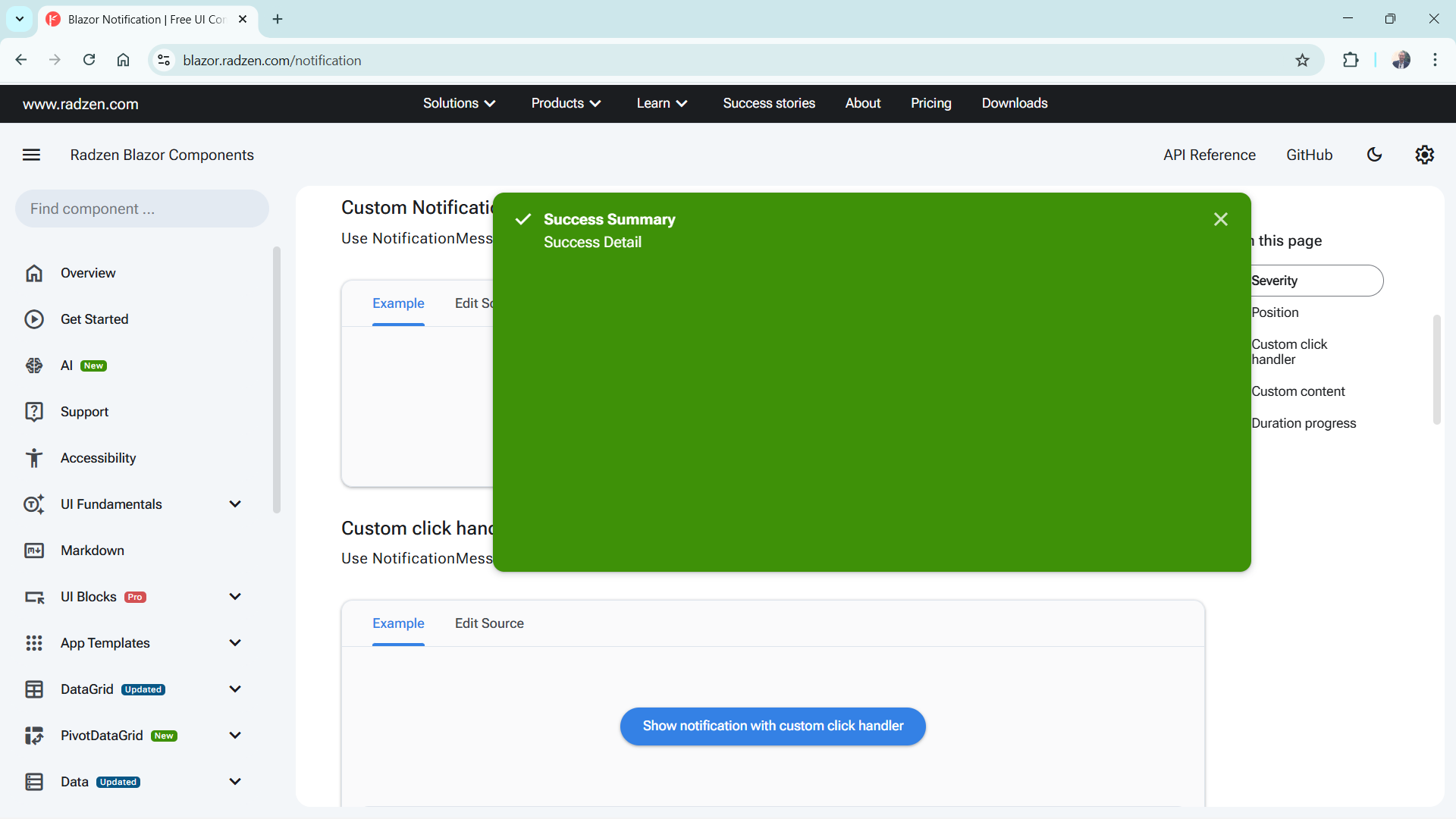
Thanks! What about logic for the height? When I tried to adjust that, the color part of the notification didn't stretch with the rest of it.
Here is with a custom height:
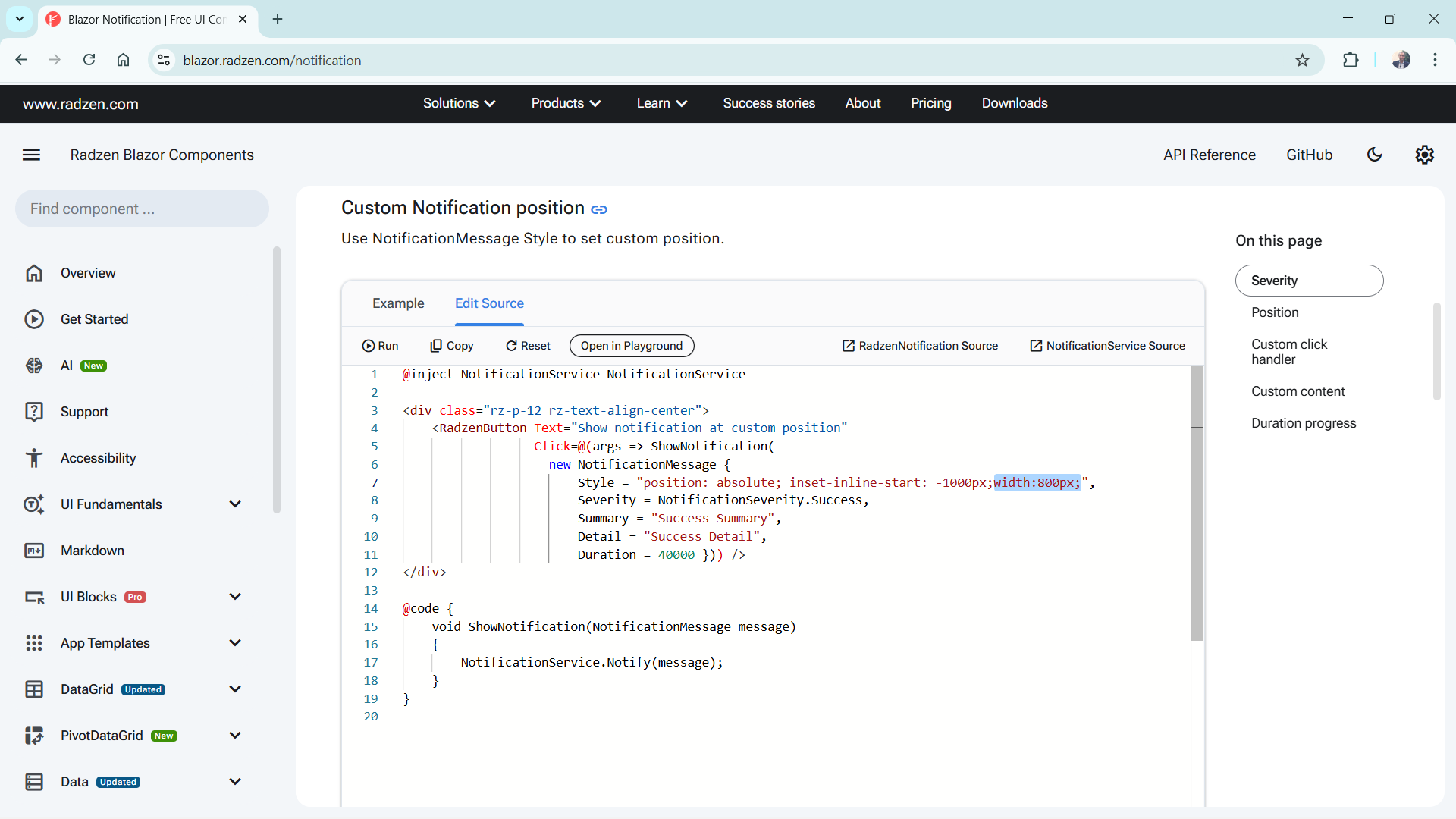
@inject NotificationService NotificationService

<style type="text/css">
.rz-notification-item {
    height: 100%;
}
</style>

<div class="rz-p-12 rz-text-align-center">
    <RadzenButton Text="Show notification at custom position"
                  Click=@(args => ShowNotification(
                    new NotificationMessage
                    {
                        Style = "position: absolute; inset-inline-start: -1000px;width:800px;height:400px;",
                        Severity = NotificationSeverity.Success,
                        Summary = "Success Summary",
                        Detail = "Success Detail",
                        Duration = 40000
                    })) />
</div>

@code {
    void ShowNotification(NotificationMessage message)
    {
        NotificationService.Notify(message);
    }
}