Hi everyone, this is my first time posting here. I’ve just installed the trial version of Radzen Blazor for Visual Studio 2026 and I’m consistently running into an issue with the toolbar. Whenever I try to use the search function, Visual Studio freezes, then throws an exception after a few seconds and closes.
The same thing happens after adding a component (for example, a Scheduler) to a page. As soon as I try to open the Properties window, Visual Studio hangs and then crashes.
Could you please help me troubleshoot this problem?
Thank you,
Stefano
Hi @st3fano,
Do you mean search in the toolbox? Is this an existing application or a new one? What text did you type in?
I was able to reproduce a problem with RadzenScheduler and will investigate further. Other components seem to work fine.
Hi, thanks for the quick reply.
Do you mean search in the toolbox? Is this an existing application or a new one? What text did you type in?
Yes, the issue occurs when searching in the toolbox. For example, pressing “s” immediately freezes Visual Studio and then it crashes. I also tested with other letters: “a” and “b” work fine, but typing “c” triggers the same crash.
I reproduced the problem on brand-new applications, both targeting .NET 9 and .NET 10, with the same result.
Let me know if I can provide additional details or logs.
We can't reproduce any crashes during searching in the toolbox. I have recorded my experience here (we also tested on a few different PCs):
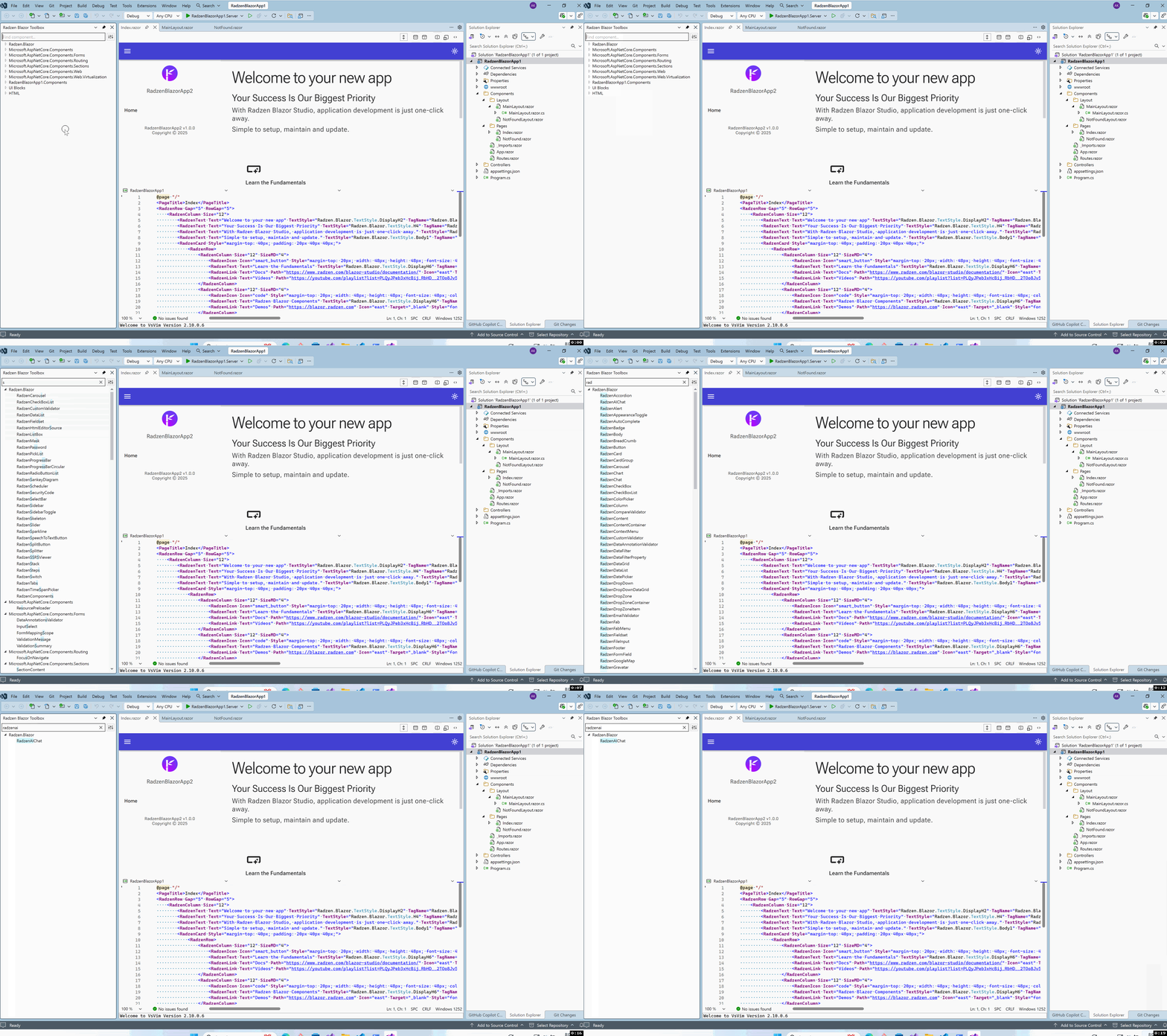
Do you see any messages in the Radzen output? Also what rendering mode did you use for your applications (server, wasm, auto)?
I don’t see any relevant messages in the Radzen output window or in the Visual Studio logs, but the issue is still occurring. It happens with both Server and WASM projects. I’ll try on another PC in the next few days to rule out any environment-specific problems.
I have purchased a license and tested the extension on both Visual Studio 2026 and Visual Studio 2022. On both versions I’m experiencing the same issue: Visual Studio crashes when searching in the toolbox.
The operating system is Windows 11 Pro for Workstations, Version 24H2 (OS build 26100.7171). As soon as possible, I will also test it on a different operating system to rule out any environment related factors.
Hi @st3fano,
Please reach out to info@radzen.com. We will prepare a debug build of the extension for you to test. It would have additional logging included.
By the way does changing the toolbox display mode have any effect? Click the toggle button next to the search textbox. Also is the toolbox populated normally (if you don't filter)?
UPDATE: Can you try running Visual Studio with activity log enabled? This should hopefully reveal the exception in ActivityLog.xml
I’ve just sent the email to the support team as suggested.
Regarding the activity log, I tried running Visual Studio with logging enabled, but I didn’t find any useful entries or exceptions in the ActivityLog.xml file.
