Hello,
I'm currently developing a standalone .NET 10 web assembly application in Visual Studio. Is it possible to apply premium themes to a standalone web assembly? I haven't been able to apply them.
Hi @Stefen,
Can you describe what doesn't currently work?
As a workaround you can create a new Radzen Blazor App (server), set the desired premium theme and copy the css file and fonts directory to your WASM standalone app's wwwroot folder.
In the Visual Studio IDE, when I want to change a theme, I go to the 'View' tab in the top menu, then 'Radzen Blazor for Visual Studio', and then 'Theme'.
When I'm working in a standalone WebAssembly project, I don't have the 'Radzen Blazor for Visual Studio' option in 'View'; this is the only instance where it doesn't appear.
1 Like
Hi @Stefen,
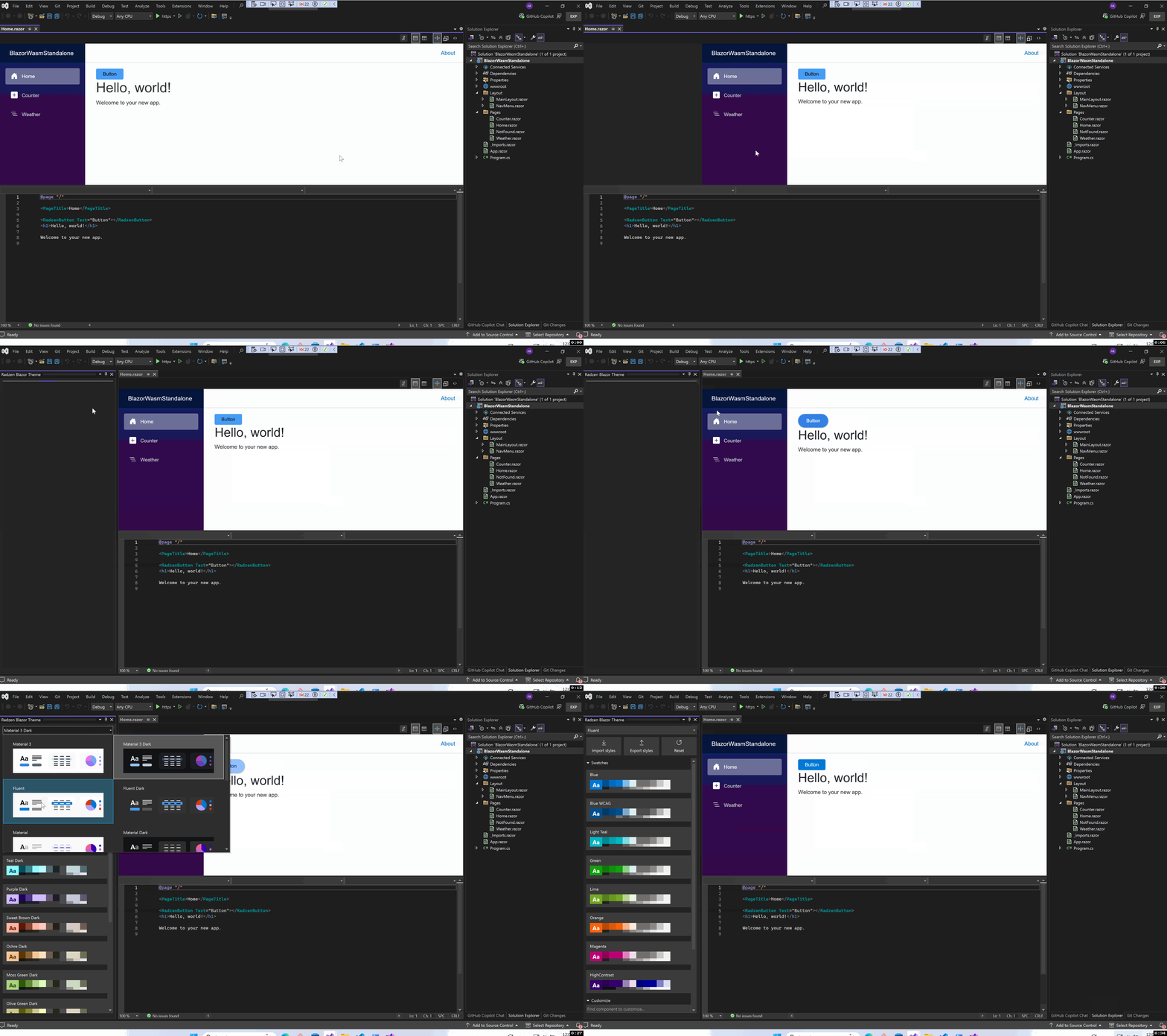
I couldn't reproduce the problem. Created a Blazor WASM standalone app from the VS template, followed these instructions to add Radzen.Blazor. The Radzen Visual Studio menu item was available and I could change themes as expected. Here is a short screen recording that shows my experience.
1 Like
Hi,
Thank you for trying to help me with this. I just tried again, and unfortunately, I still don't have that menu. The problem might be on my end. I did create a Blazor WASM standalone app and followed your instructions to implement Radzen.Blazor, but I still don't have the menu.I'll try to look into why.