Hi Team,
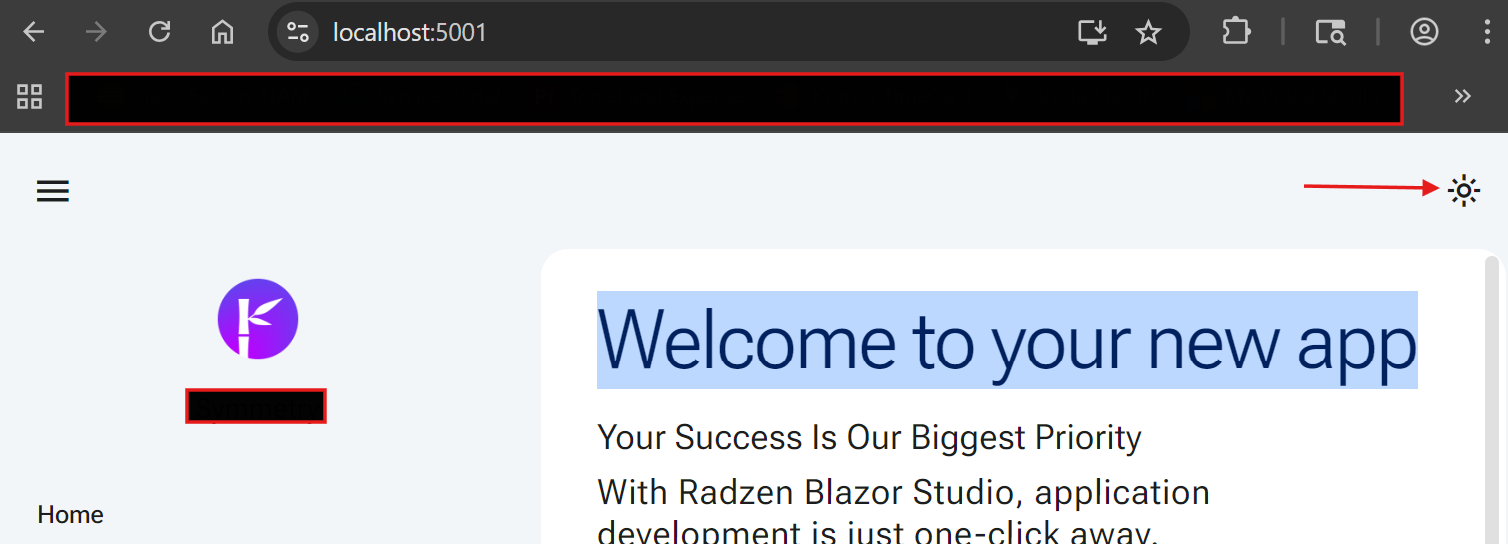
Not sure if anyone’s reported this but I’ve noticed, starting from last 2 updates, the toggle for switching light or dark themes in layouts no longer works.
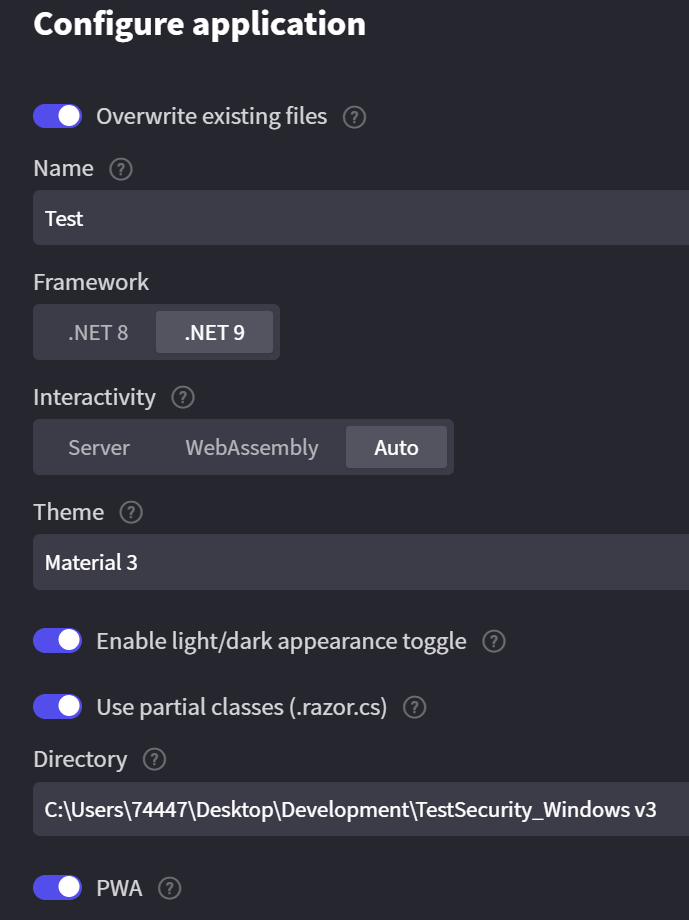
Apps that were created before, the last 2 or 3 versions, seem to still work but when creating new apps, which I’ve tested this (5 times from scratch), it does not. The issue still persists with the latest release 1.51.0.
Here’s what I’m doing if you wish to replicate with both Chrome/Edge browsers:
I ran into the same thing, tried creating a fresh .net 8 and .net 9 project with both VS and Rider, followed the Getting Started and same thing, RadzenAppearenceToggle isn’t working
Hi @Ramses915,
Indeed there is a problem in Auto rendering mode that is related to the way the Radzen.Blazor component library persists the current theme from the RadzenTheme component. The immediate workaround is to edit the App.razor file and set the @rendermode attribute of RadzenTheme:
<RadzenTheme Theme="material" @rendermode="@InteractiveAuto" />
We are searching for a real fix which doesn't require setting the @rendermode attribute of RadzenTheme.
The workaround worked. Thanks!