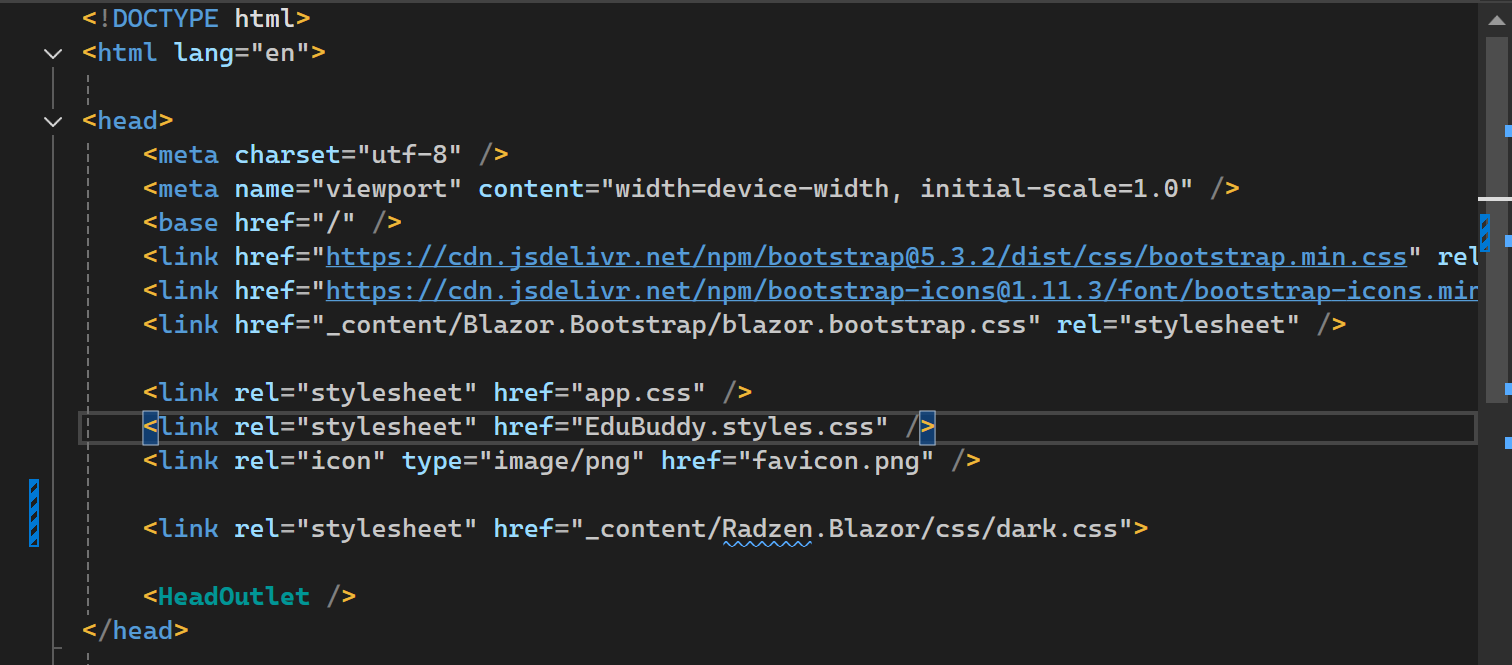
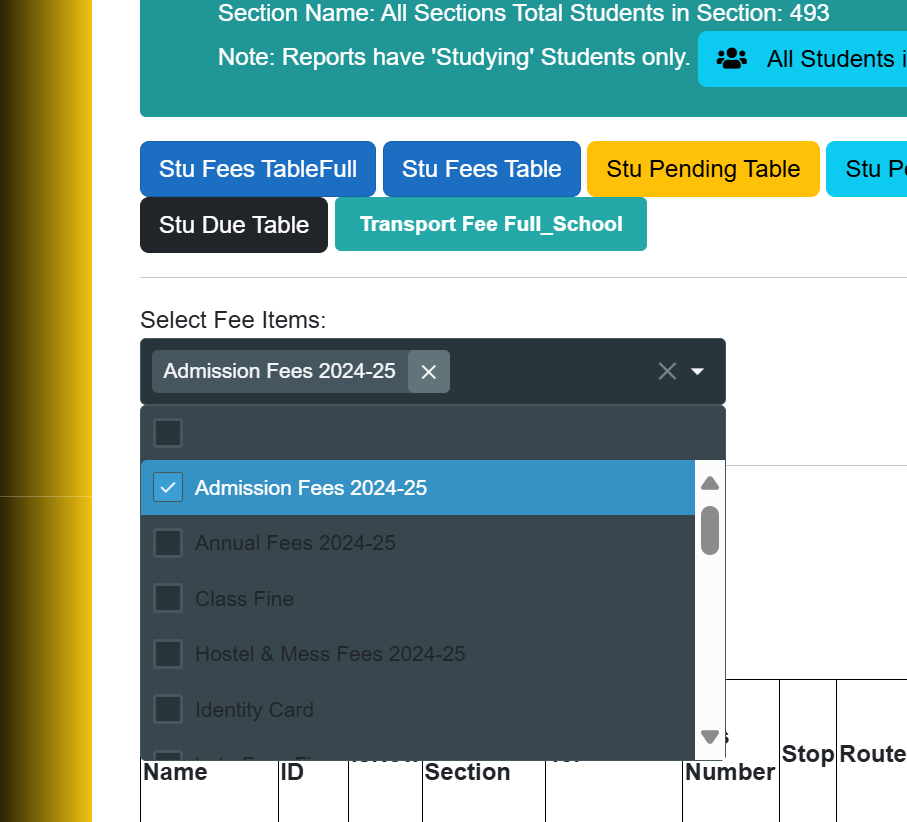
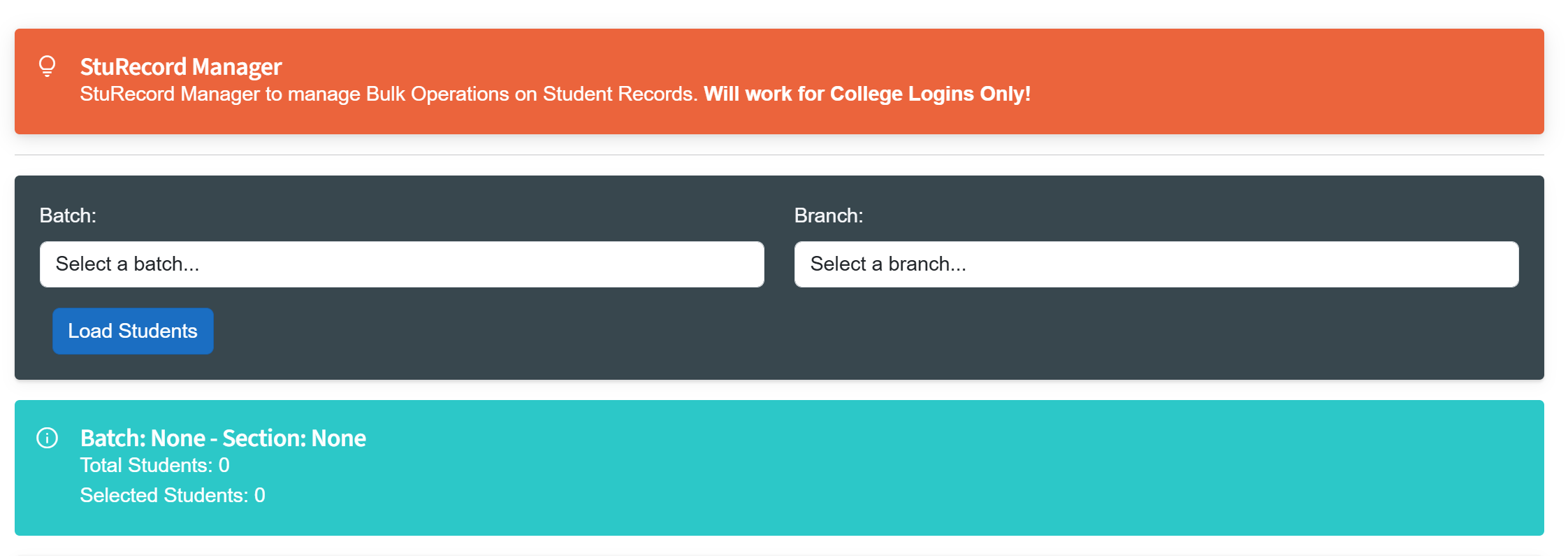
Hi! My dark theme working but the display shows in dark text instead of light text. My project showing like this
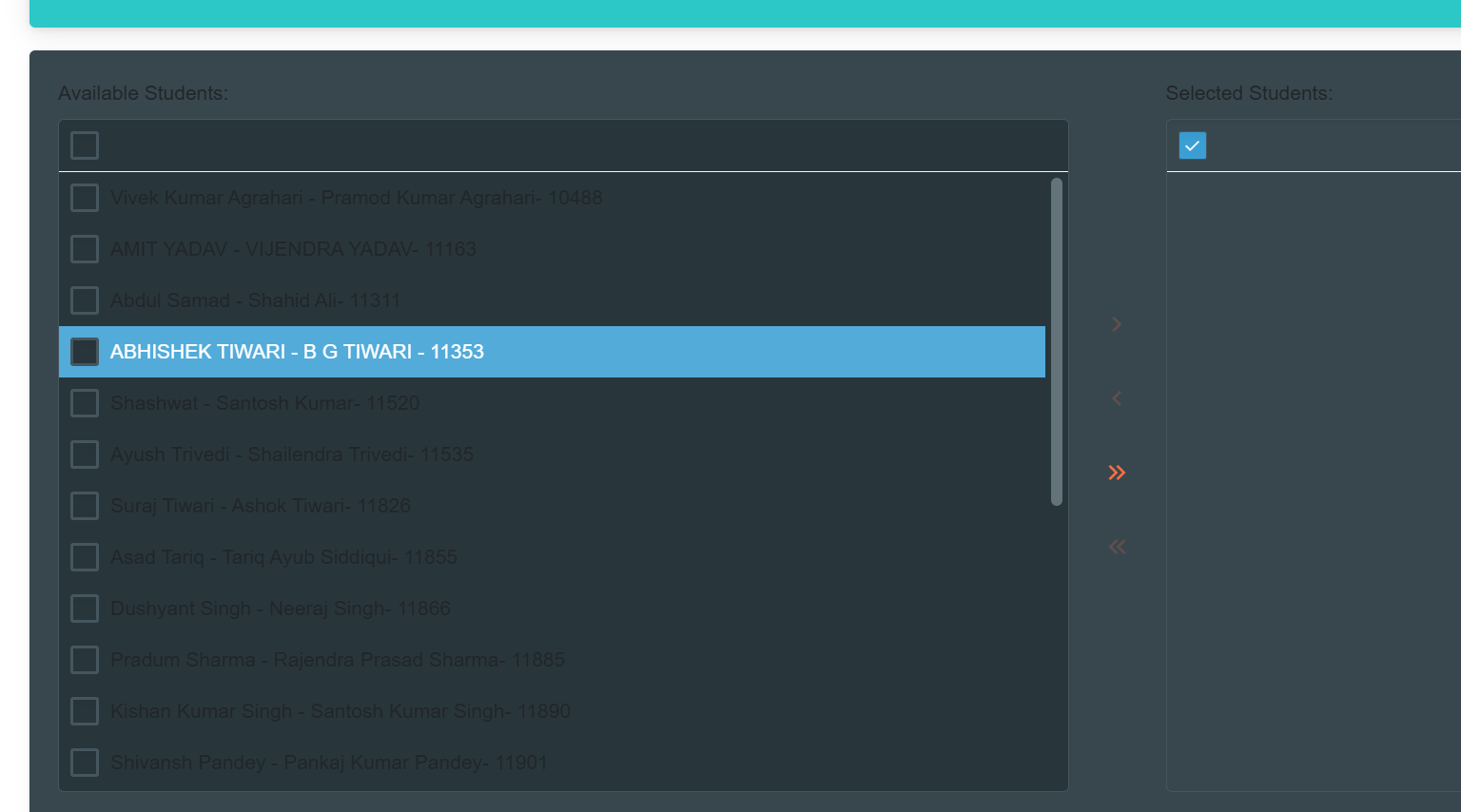
have updated app.razor file
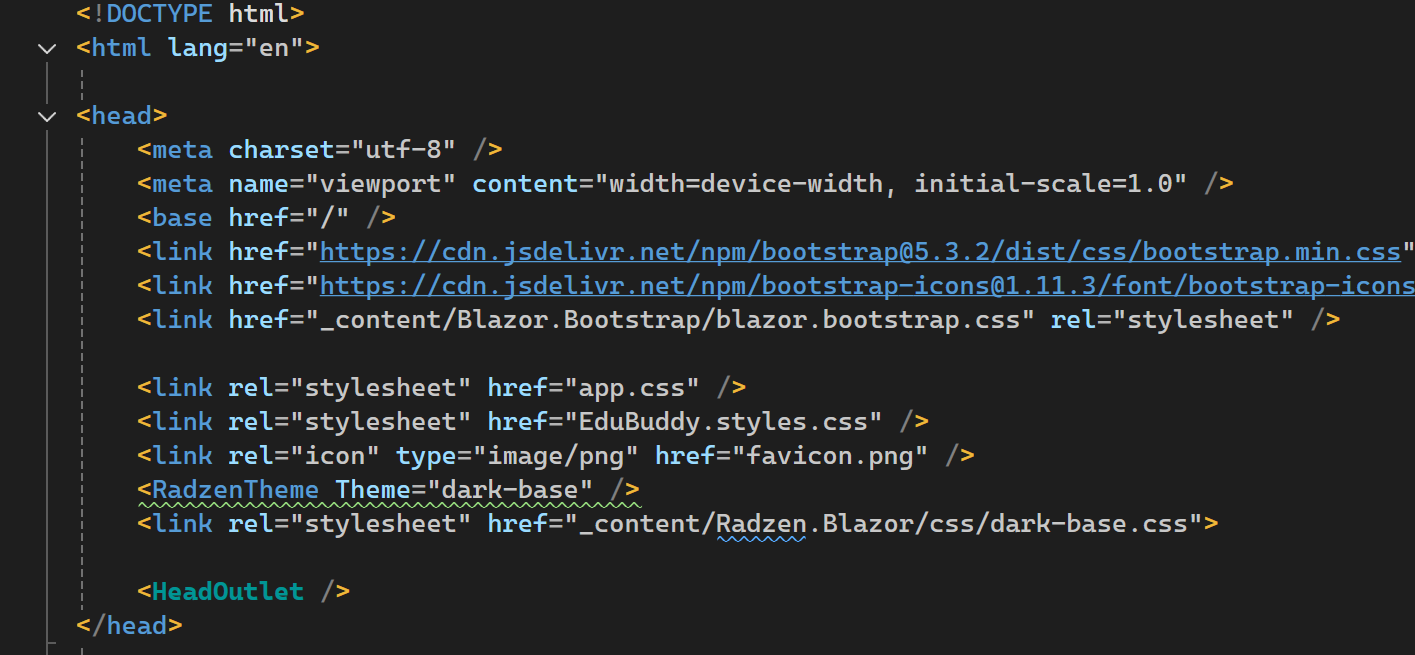
Hi! My dark theme working but the display shows in dark text instead of light text. My project showing like this
My App.razor till now was
tried editing to
as suggestion in one of the community replies. Did not help
Hi @Vishal,
You can use the browser's devtools to inspect and see what is causing the dark text color. Radzen.Blazor components rely on <RadzenLayout> to properly inherit the font-size, font-family and color. I see that you are using other libraries together with Radzen.Blazor and it is only this part of your app that is dark. In that case you'd have to manually set the color, for example add this to the parent element:
<div style="color: var(--rz-text-color)">
    <!-- Add Radzen Blazor Components here -->
</div>
Hi @yordanov
Thanks for your reply.
worked on my page with RadzenPickList.
however still giving issues on another page using RadzenDropDown.
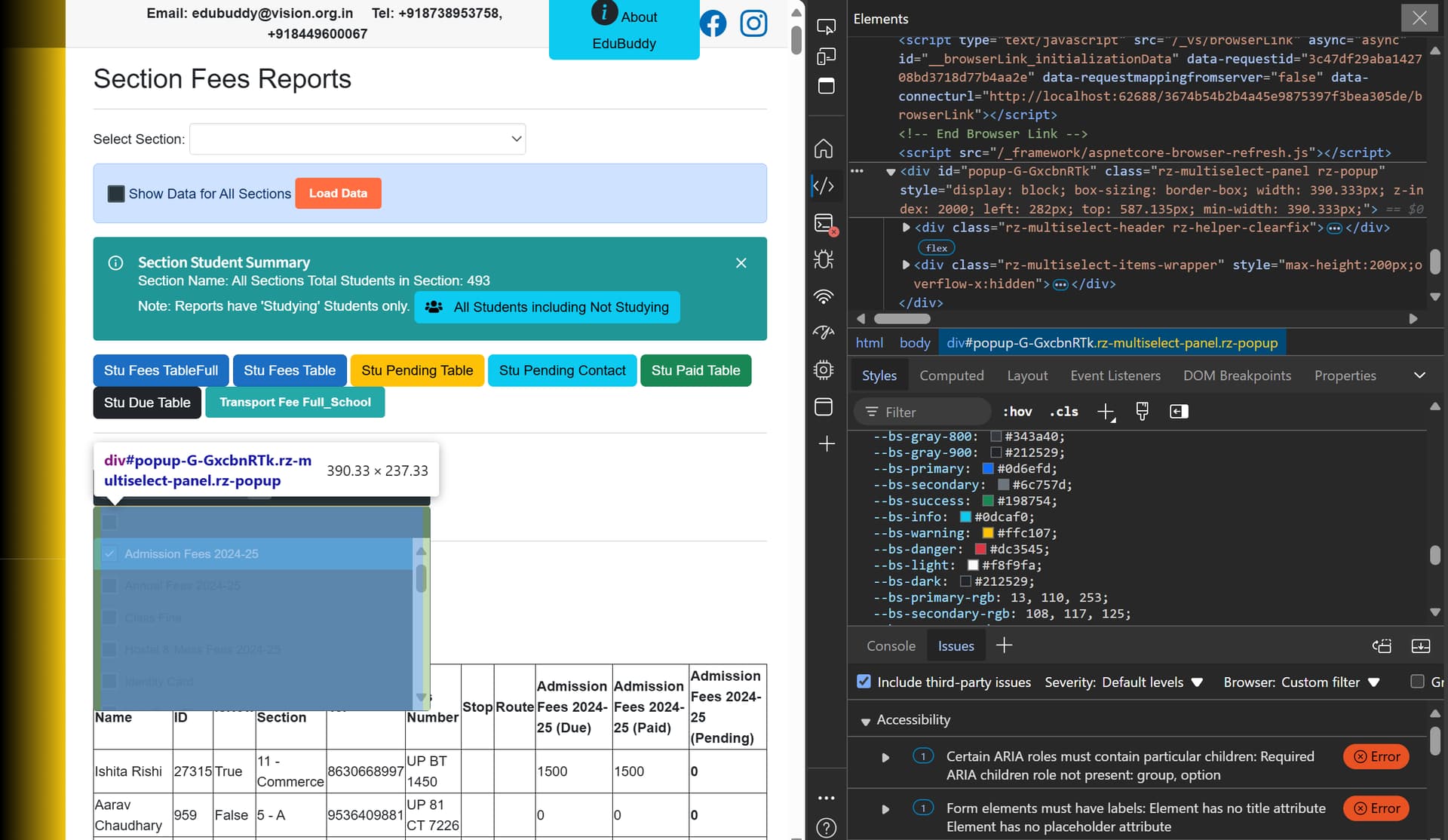
tried inspecting on browser, but couldn't understand much.
Indeed, the style approach won't work with a DropDown as the popup is rendered on a root level. You can set id and target it with CSS:
<RadzenDropDown id="mydropdown" ... />

<style>
  #popup-mydropdown {
    color: var(--rz-text-color);
  }
</style>
We will consider improving this in upcoming versions to better support the usage of a standalone component with dark themes.
This worked. Thanks a lot! Also for including these options in future versions. 
A small question, you had pointed out 'stand alone component'. What is the other way?
The other way is to have the application layout built using Radzen.Bazor. This is how our demos site is built. See also Blazor Layout Component | Free UI Components by Radzen
Hi! You have suggested a neat way. Will go ahead with layouts.
Thanks!
Another issue- apparently I am taking advantage of your time!
My colors show completely different in radzen.
For eg. <RadzenAlert Title="StuRecord Manager" AllowClose="false" AlertStyle="AlertStyle.Primary" Variant="Variant.Filled" Shade="Shade.Dark"> shows orange, AlertStyle="AlertStyle.Info" appears shade of bule.
other colors also appear completely different. should come like this:
But I got
<RadzenCard class="rz-background-color-series-3">
    <div class="mt-3">
        <label for="selectedStudentIds" class="form-label">Selected Student Details:</label>
        <textarea id="selectedStudentIds" class="form-control" rows="5" readonly>@selectedStudentIdsText</textarea>
    </div>
</RadzenCard>
as
I would seriously reconsider your current approach of using a dark theme in a light application. It just looks bad and isn't the intended use of our dark themes. Your users would thank you for that.
I agree. Going for full layout using radzen. Now stuck up as Menu is not becoming working- stuck up, i.e. not interactive. I am using Dot.Net Core 8.0
Saw your comments in few old threads. Would you mind telling the way out?
<RadzenLayout Style="grid-template-areas: 'rz-sidebar rz-header' 'rz-sidebar rz-body'">
    <!-- Dark header styling Style="background-color: #343a40; color: white;" -->
    <RadzenHeader >
        <RadzenStack Orientation="Radzen.Orientation.Horizontal" AlignItems="AlignItems.Center" Gap="0">
            <RadzenSidebarToggle Click="@(() => sidebarExpanded = !sidebarExpanded)" />
            <RadzenLabel Text="Header" />
    </RadzenStack>
</RadzenHeader>
 <RadzenSidebar @bind-Expanded="@sidebarExpanded" Style="height: 100vh;">
      <RadzenPanelMenu>
         <NavMenu />
         </RadzenPanelMenu>
 </RadzenSidebar>
also have specified
<RadzenComponents @rendermode="InteractiveAuto" />
in my
@code {
    private bool sidebarExpanded = true;
Should I raise this issue in another thread?
RadzenPanelMenu can contain RadzenPanelMenuItem, not NavMenu, see Blazor PanelMenu Component | Free UI Components by Radzen