Hello Team,
I am trying to use custom component to display a test page designed in IDE. I need to load data in the customcomponent based on the user selection from dropdown in the target page.
- Created a page and in load event fetched the required data using Attributes property
- In the target page added a dropdown bound to a pageproperty CustomerID
- Added a customcomponent to this page and set the Source and Attribute Property bound to above pageproperty CustomerID
I am able to compile and run page and also display values in custom component based on default attributes.
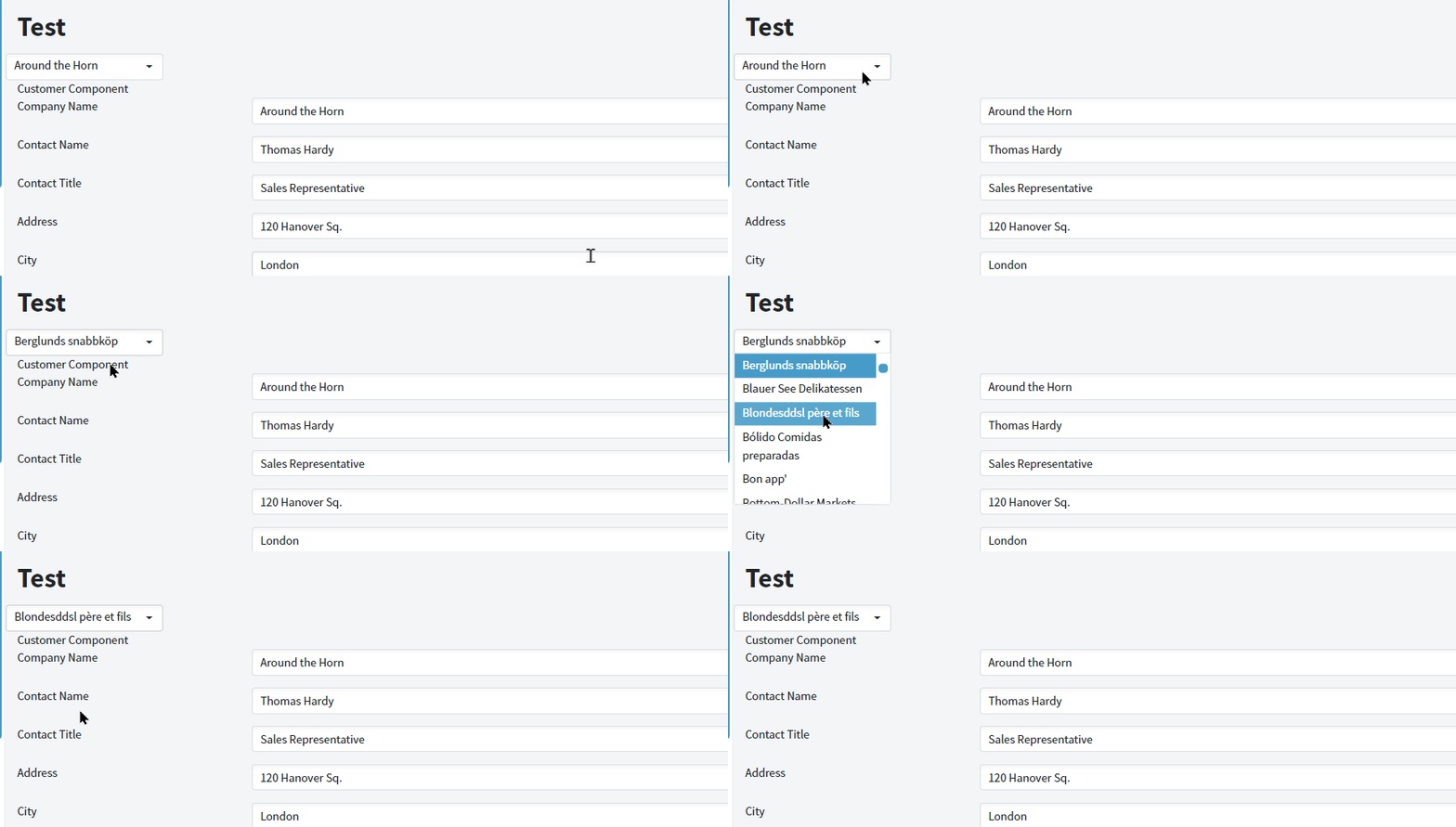
I need to load/refresh the customercomponent page values based on the dropdown selection on the target page.
Kindly guide how to achieve this.
A Refresh() on DropdownChange might work?
Tried calling Reload() in the change event of dropdown
        protected async System.Threading.Tasks.Task Dropdown0Change(dynamic args)
        {
            await InvokeAsync(StateHasChanged);
            await Load();
        }
Load event does fire but custom control is not refreshed
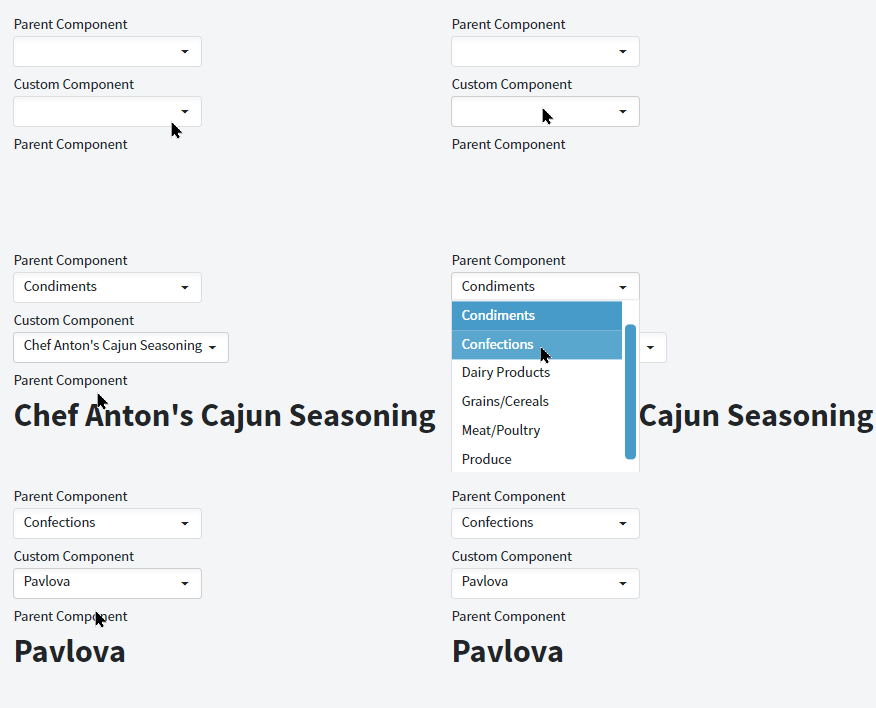
The issue resolved by binding values in the attributes of custom component
- Add required page properties
- Invoke datasource methods to fill the dropdown based on the categoryID
- In the target page set attributes and also callback event to refresh the parent page
- Add parameters to the customcontrol.razor.cs file
        [Parameter]
        public int pCategoryID
        {
            get
            {
                return _CategoryID;
            }
            set
            {
                if (!object.Equals(_CategoryID, value))
                {
                    var args = new PropertyChangedEventArgs() { Name = "CategoryID", NewValue = value, OldValue = _CategoryID };
                    _CategoryID = value;
                    OnPropertyChanged(args);
                    Reload();
                }
            }
        }
Now it works as expected