With a CheckboxList displaying items horizontally and wrapping, is there a way to get the items aligned in columns?
1 Like
There’s no built-in columns option, but you can do it with CSS Grid by overriding the list container.
Add a class to the component:
<RadzenCheckBoxList @bind-Value=@values Data=@items class="checkbox-grid" />

.checkbox-grid.rz-checkbox-list {
display: grid;
grid-template-columns: repeat(3, max-content); /* or 1fr for equal widths */
gap: 0.5rem 1.5rem;
align-items: center;
}
max-content sizes each column to its widest label; 1fr makes them equal. Items fill row by row — add grid-auto-flow: column with a grid-template-rows if you’d rather fill top-to-bottom. Orientation can stay at the default once grid takes over.
If the horizontal orientation emits an inline display: flex, add !important to the display: grid line.
1 Like
I have tried this. I am not getting the result that I would expect. I have tried with the “repeat(3, max-content) and it just stays on one line that overflows off the right and you have to scroll Horz to see it all.
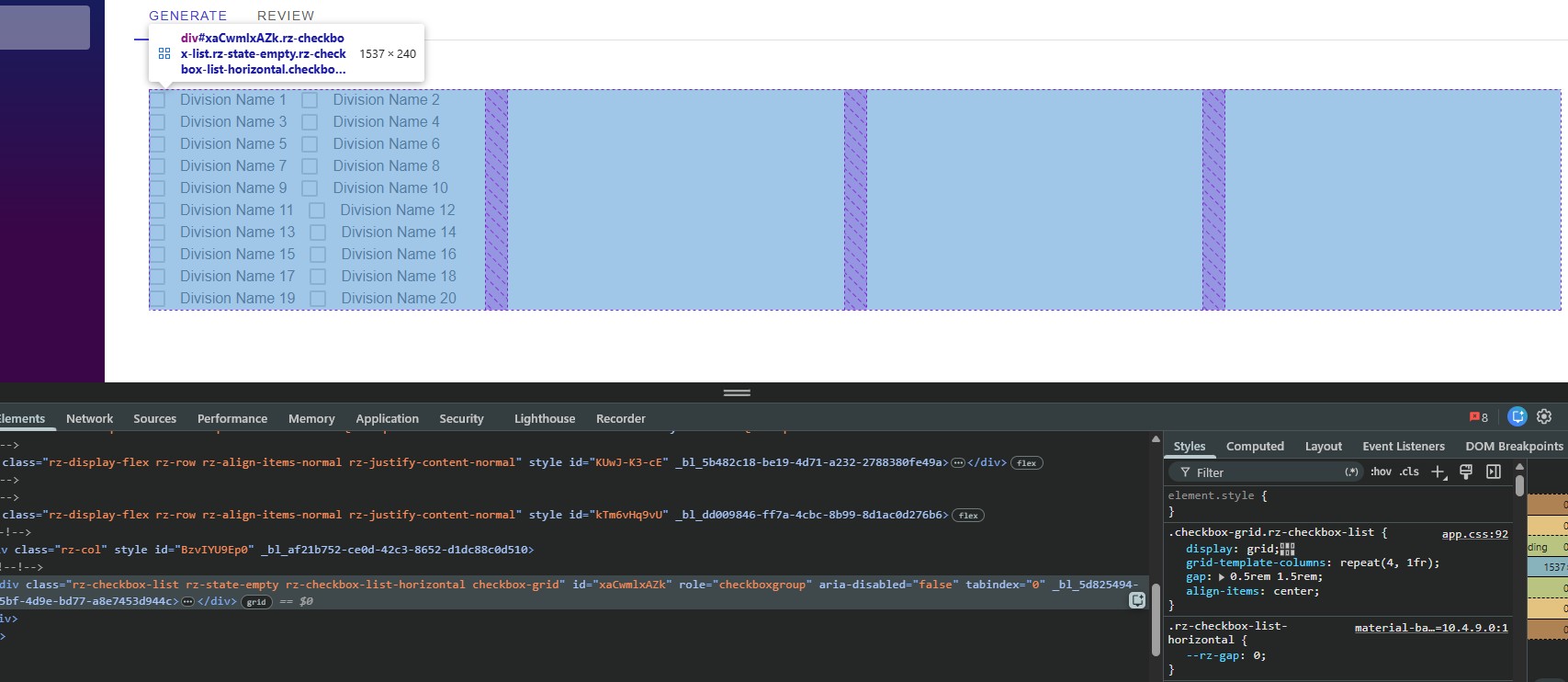
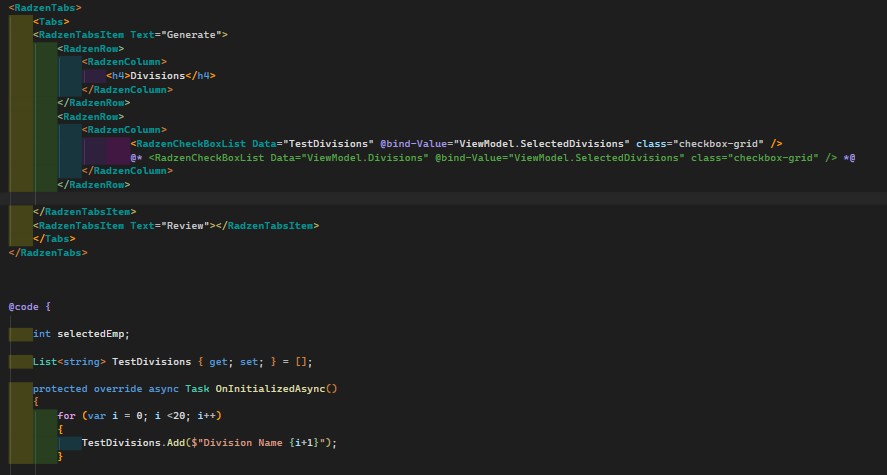
I just realized the issue. The CSS needs to also include the .rz-stack as a target. Also, the Display did require the ‘!important’ to override.
.checkbox-grid.rz-checkbox-list .rz-stack {
    display: grid !important;
    grid-template-columns: repeat(4, 1fr);
    gap: 0.5rem 1.5rem;
    align-items: center;
}

2 Likes
I was getting the same results you were. Thanks for finding this. It’s working perfectly now!
1 Like
I would also suggest that you use the media size to set the repeat numbers for the columns.