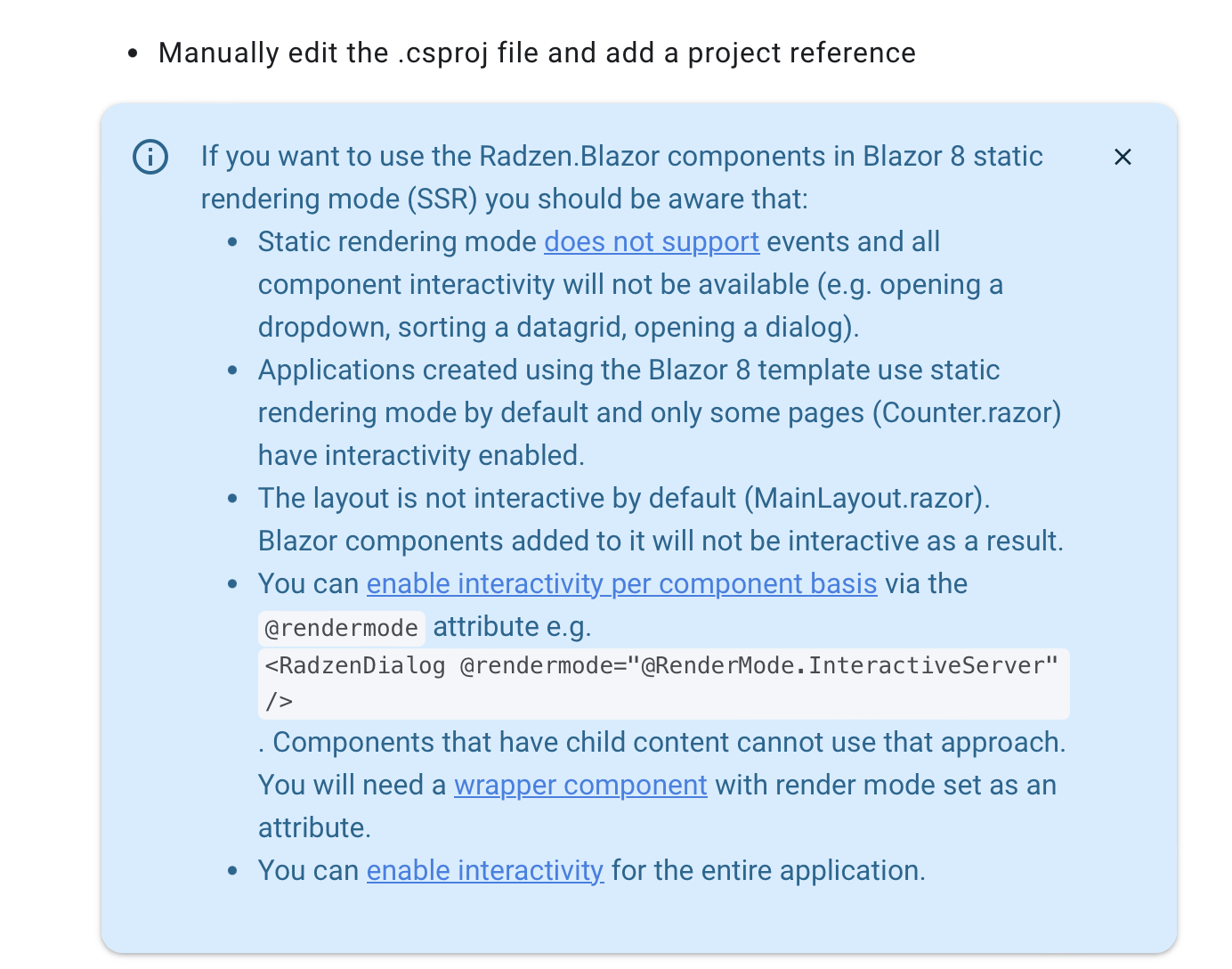
In Blazor web app, I have this code in a component and i call this component in Home page. I added builder.Services.AddRadzenComponents(); , dark css theme and Radzen.Blazor.js but there is no tooltip when i hover the button. The code enters ShowTooltip but nothing.
@inject TooltipService TooltipService

<div class="flex p-4 justify-content-between">
    <RadzenButton Icon="home" ButtonStyle=ButtonStyle.Light
                  MouseEnter=@(elem => ShowTooltip(elem, "Test Text 123", _tooltipOptionsRight)) />
    <div>TODO</div>
    <div>TODO</div>
</div>

@code {
    private TooltipOptions _tooltipOptionsRight = new() { Position = TooltipPosition.Right };

    private void ShowTooltip(ElementReference elementReference, string text, TooltipOptions tooltipOptions)
    {
        TooltipService.Open(elementReference, text, tooltipOptions);
    }
}