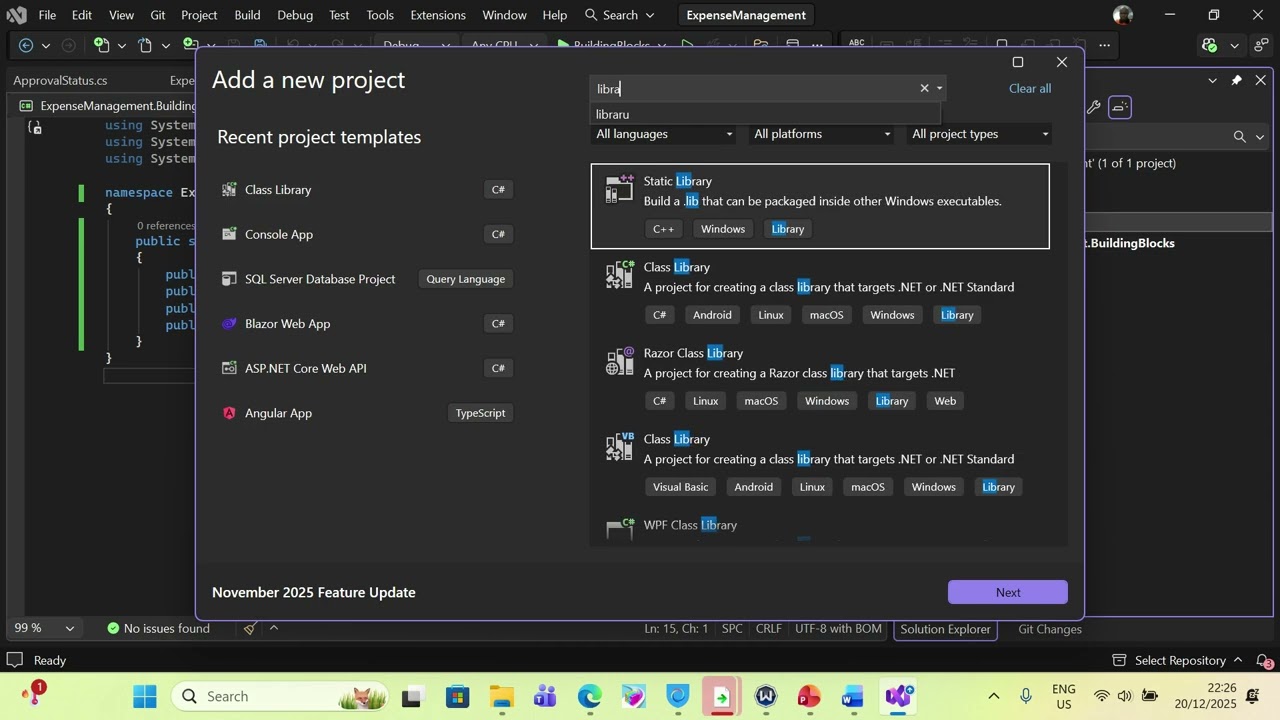
 Lesson 1 – Project Setup & Microservices Architecture Overview
In this first lesson of the “Building a Real-World Expense Management System with .NET Microservices & Blazor Server” series, we lay the foundation for a complete enterprise-grade expense management application using modern .NET technologies and microservices architecture.
This lesson focuses on project setup, architecture decisions, and initial implementation, setting the stage for all future features in the series.
 What You’ll Learn in This Video
In this lesson, you will learn how to:
-
Design a microservices-based architecture for a real-world business application
-
Structure a .NET solution using multiple independently deployable services
-
Set up the following services:
-
Identity Service (Authentication & JWT token generation)
-
Expense Service (Core expense domain)
-
API Gateway using Ocelot
-
Blazor Server Frontend for the UI
-
-
Configure JWT authentication across services
-
Integrate Ocelot API Gateway with downstream microservices
-
Configure CORS, logging, and Serilog
-
Use Blazor Server with Authorization and protected routes
-
Implement shared DTOs and request models
-
Understand how services communicate securely via the API Gateway
This lesson is all about doing things the right way from the start, using patterns and practices you would expect in a real production system.
 Architecture Overview
The solution is built using:
-
.NET (ASP.NET Core)
-
Microservices Architecture
-
Blazor Server for the frontend
-
Radzen Blazor Components
-
Ocelot as the API Gateway
-
JWT Authentication
-
Entity Framework Core
-
MediatR for clean application design
-
Serilog for structured logging
-
SQL Server as the database
Each service owns its own database and business logic, ensuring loose coupling and scalability.
 Source Code
The complete source code for Lesson One can be found here:
 GitHub Repository (Lesson One)
https://github.com/benjaminsqlserver/ExpenseManagementUsingMicroservices/tree/LessonOne
Make sure to clone the LessonOne branch to follow along with this video.
 What’s Next?
In the next lessons, we will:
-
Implement user registration and login
-
Secure the Blazor frontend using JWT
-
Build expense creation and approval workflows
-
Add file uploads for receipts
-
Introduce inter-service communication
-
Handle approvals, reimbursements, notifications, and reporting
 Like, Subscribe & Support
If you find this helpful:
-
Like the video
-
 Subscribe for upcoming lessons
 -
 Leave your questions in the comments
This series is designed to help you think and build like a professional .NET architect.