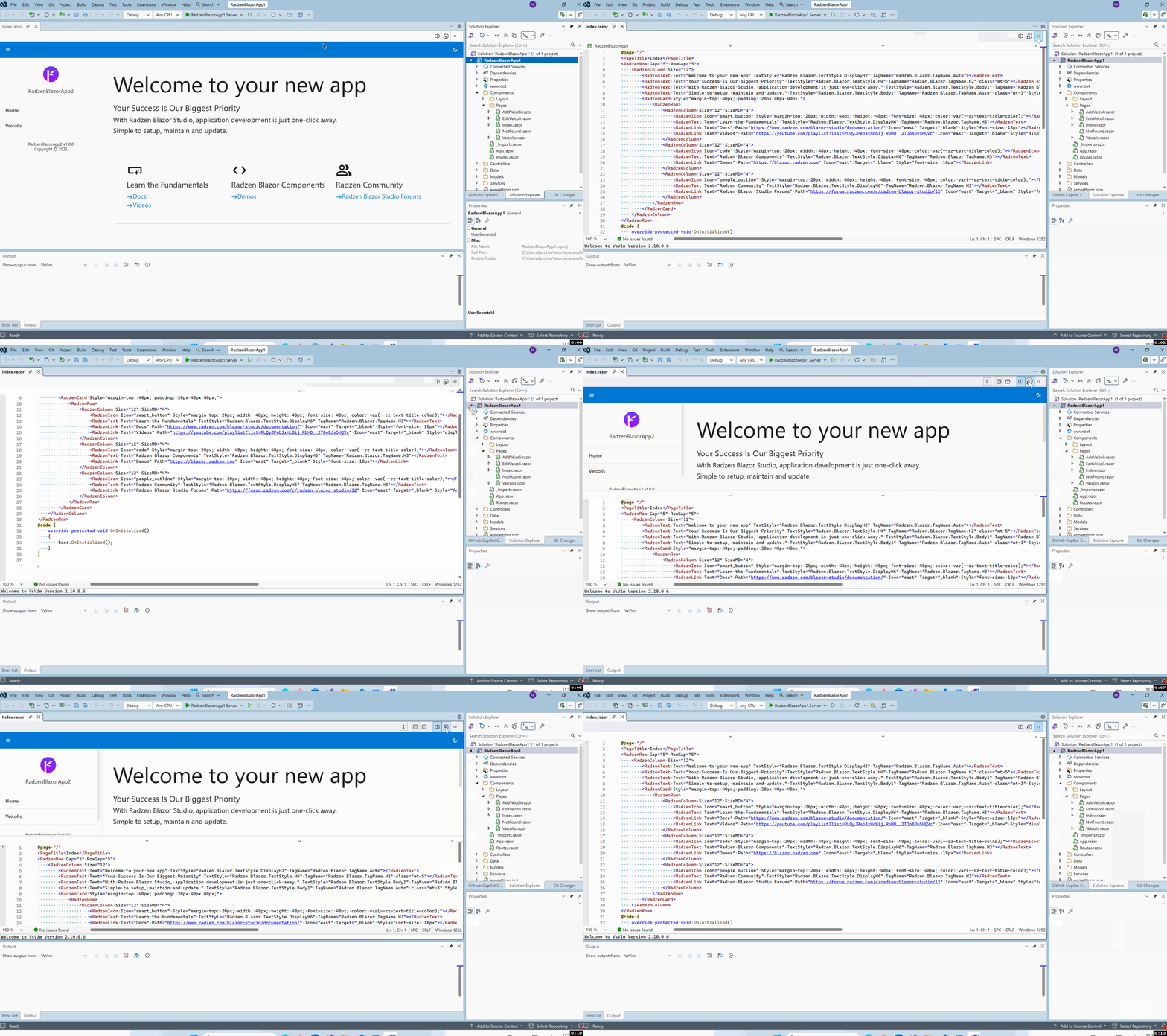
When switching to Source View - nothing is shown. I have recently reinstalled my office laptop, and I uninstalled / reinstalled Radzen for VS - but the issue persists.
Note: I tried to upload the recording as a ZIP to the forum. The zip size is 1.19 MB. I get an error message saying that I can only upload files that are less than 10 MB - so there is an issue here as well.
Your video shows something strange - in split mode and vertical view only the source code is visible - no design view. Did you resize any of the panes? This could explain why source view only is not visible. In any case we can't reproduce this issue locally so it could be related to your actual page and app - you can send us your app to info@radzen.com (use a cloud storage service to upload the project).
This is a recent change in the forum software we use. Will investigate how to address it.
UPDATE: uploads should work now.
It’s just due to the way the video is cropped. The Design view shows fine in both horizontal and vertical, as well as in Design view.
I am not at liberty to share the source code due to our corporate policy. This happens regardless of which razor page I view however. Since I can’t easily enable / disable the Radzen view, working on projects that’s build using MudBlazor for instance and clicking source - show the same view (No code, blank background) as shown in the video.
Are there any config files I can delete or registry entries I can change to reset the Radzen extension so we can exclude any random resize issues of the window content for instance?
Can you reproduce the issue in a new empty application created from the Radzen Blazor app template? This would reveal if the issue is project specific or a general problem. Also do you see any errors logged in the Radzen output window?
The window size isn't persisted by the Radzen extension so there are no registry entries or config files that you could delete.