Lesson 21:Implementation of Hierarchical Page for Class Register Entity
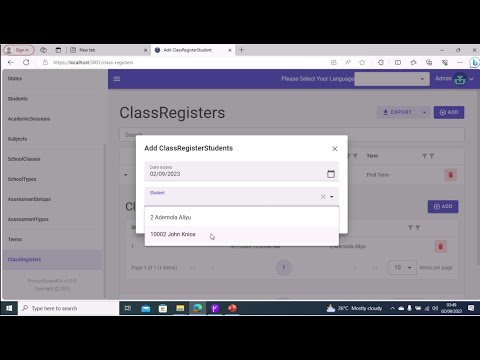
In this video, I two tables ClassRegisters (Parent Table) and ClassRegisterStudents (Child Table). I create a relationship between this two tables and other tables.
I then scaffold an hierarchical page based on the two tables.
I modify the student entity by adding a readonly property called StudentDetails to it.
I use this StudentDetails readonly property as the TextValue property on AddClassRegisterStudent Page.
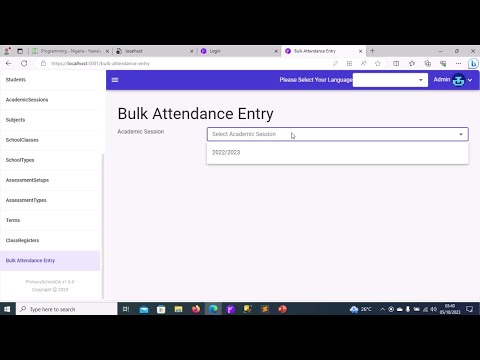
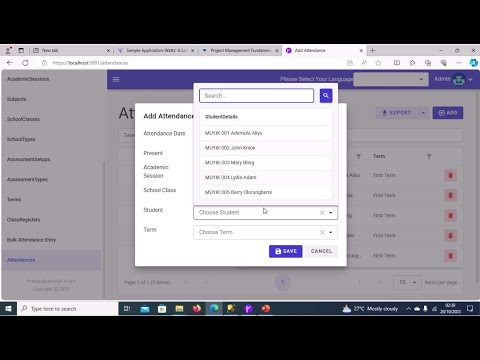
In this video I create Attendances table and the relationships between this table and other related tables in the database. I then update the dataservice of the BLAZOR WebAssembly App to generate CRUD code for this table. I then proceed to the client project where I create a new blank page called BulkAttendanceEntry. I then proceed to create three integer variables in the code behind file for BulkAttendanceEntry Page. The variables are academicSessionID,termID and schoolClassID. I then create a radzen row on the page where I add a label and a dropdown to fetch Academic Sessions from the database.
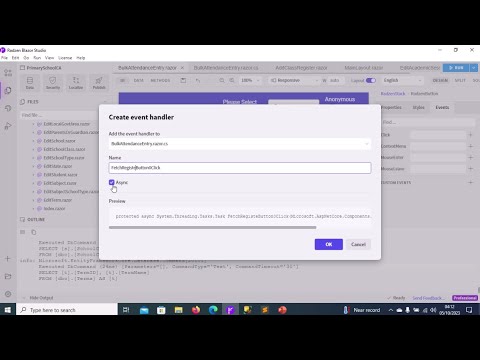
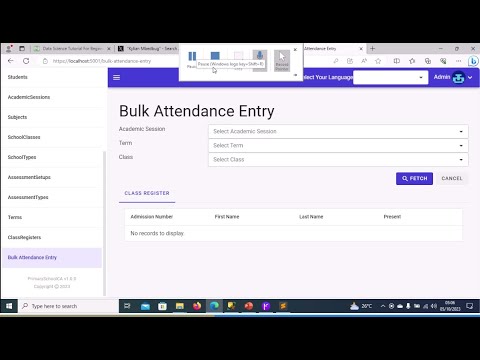
In this video, I continue to implement bulk attendance page I add labels and dropdowns for term and class. I add requiredvalidator controls to validate academicsession,term and class dropdowns. I also add two button controls below the dropdowns. The first button will be used to fetch students belonging to a class from the database, while the second button will be used to reset the page. I also attach C# event handlers to the two buttons.
Lesson 22C: Implementing Bulk Attendance Entry Part 3
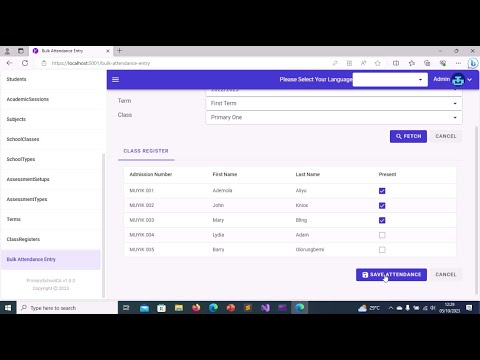
In this video, I go to the ConData subfolder of the Models folder in the Server project and I create a ViewModel class called AttendanceViewModel. I then proceed to the code behind file for the BulkAttendanceEntry Page in the client project and I create a collection of AttendanceViewModel objects called students. I also override the OnInitializedAsync blazor lifecycle method in the code behind. I initialize the termID,schoolClassID,academicSessionID and students objects in this method. I also create a ClassRegister object named classRegister and I initialize it as well. I proceed to the markup of BulkAttendanceEntry Page where I add a new RadzenRow. I add a RadzenTabs object to the row and and I place a RadzenDataGrid object with first tab of the RadzenTabs. I bind the datagrid to the students collection and I configure the following columns on the datagrid:AdmissionNumber,FirstName,LastName and Present. I then run the blazor app to check the behavior of the page after adding the datagrid.
Lesson 22D: Implementing Bulk Attendance Entry Part 4
In this video, I open the application using Visual Studio 2022. I then implement methods needed to fetch students belonging to a class from the database both in the code behind and the data service layer. I demonstrate how to apply filters to methods at the data service layer. I also implement methods to reset the page. I then run the app to see whether students belonging to a class are being fetched from the database. I add another pair of buttons at the bottom of the page: the first to save class attendance records into the database and the second to reset the page. I implement methods to save class attendance records both at the presentation layer and data service layer. I test the app to see whether attendance records are being saved and check sql server database to see if the attendance records were successfully inserted.
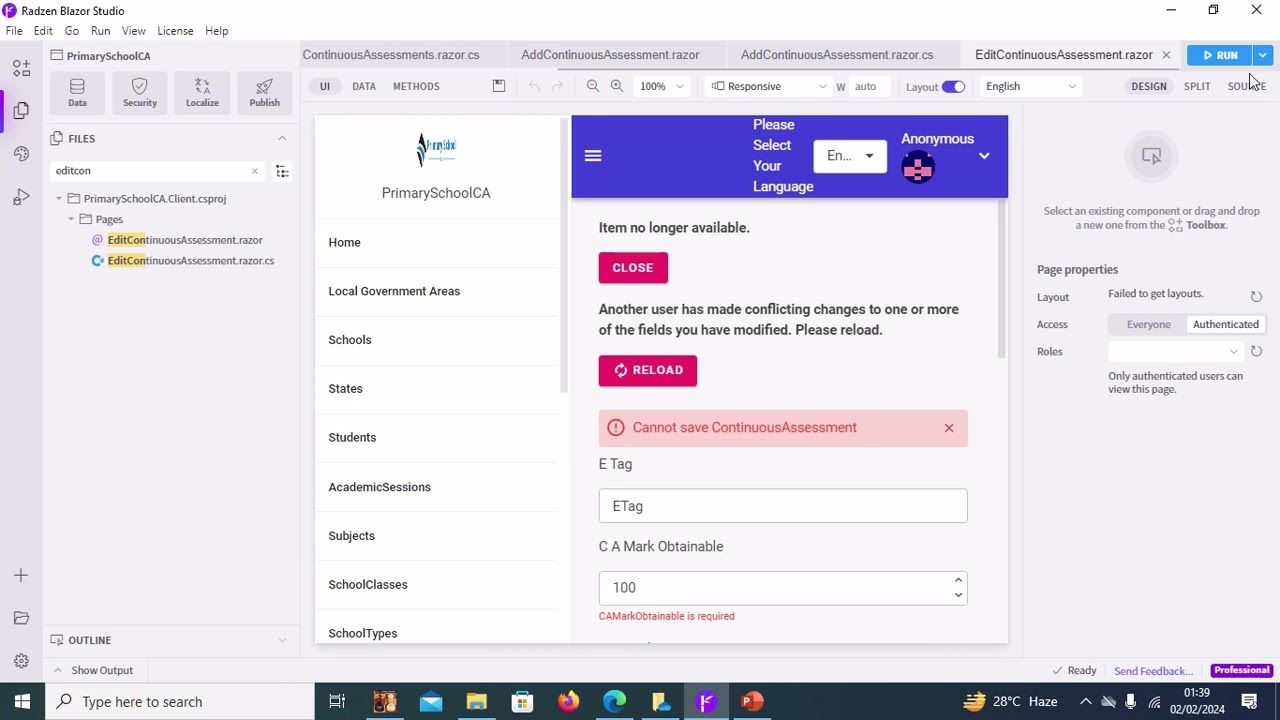
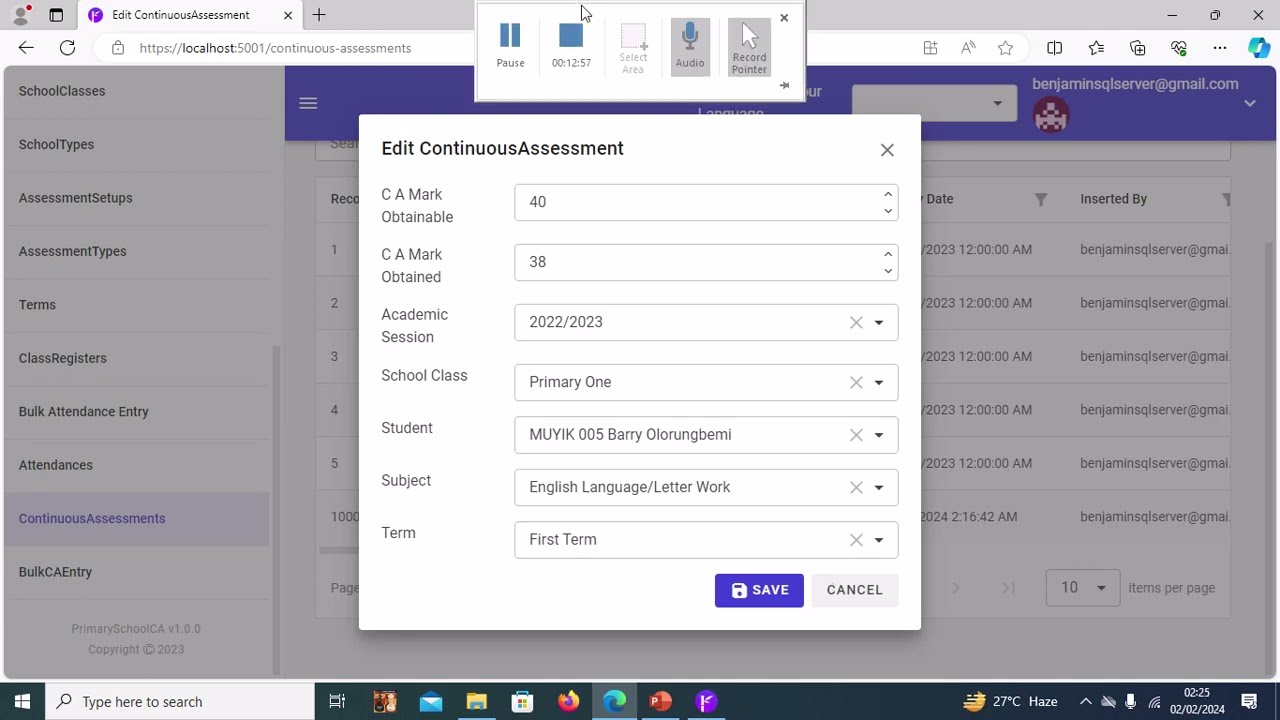
In this four videos I create a table to hold continuous assessment data, a store procedure to add/update continuous assessment data. These two database objects are then imported into the application data service. Lastly I create a page from the scratch. This page loads all the student in a class and allows you to add/update their ca records.